Roblox GFX Maker
Upload your Roblox avatar, pick a pose or background, and make a polished 1024×1024 GFX profile picture with AI. Your avatar image is used as the identity reference.
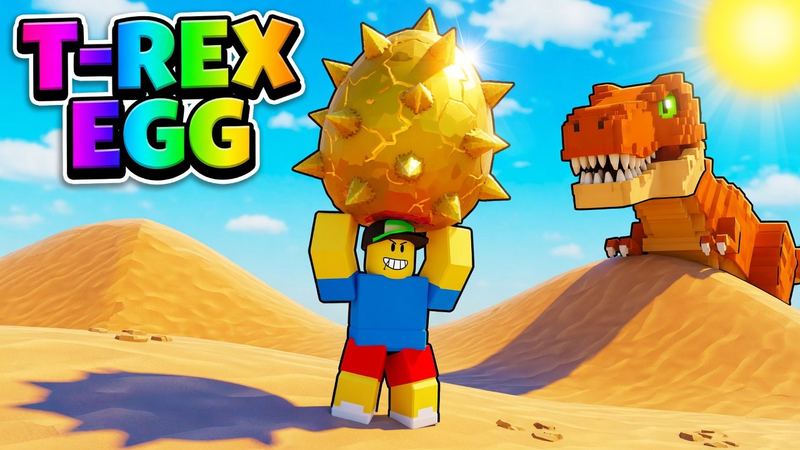
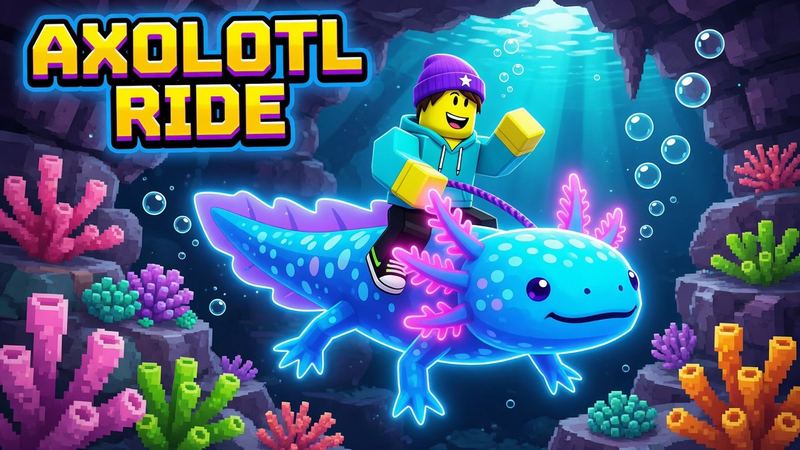
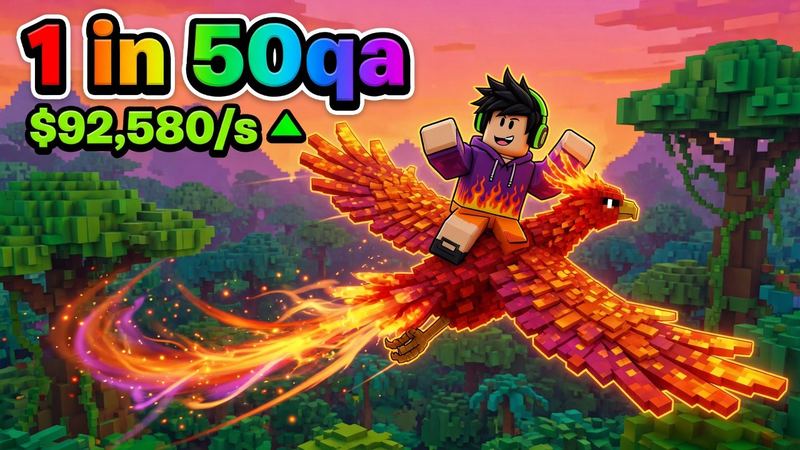
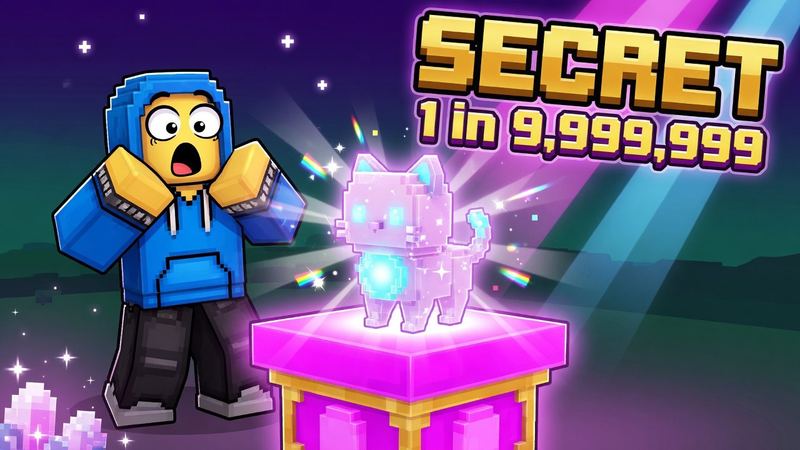
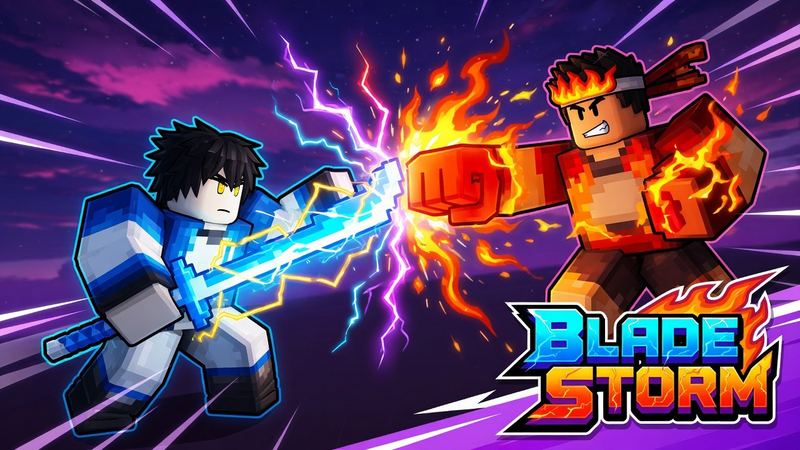
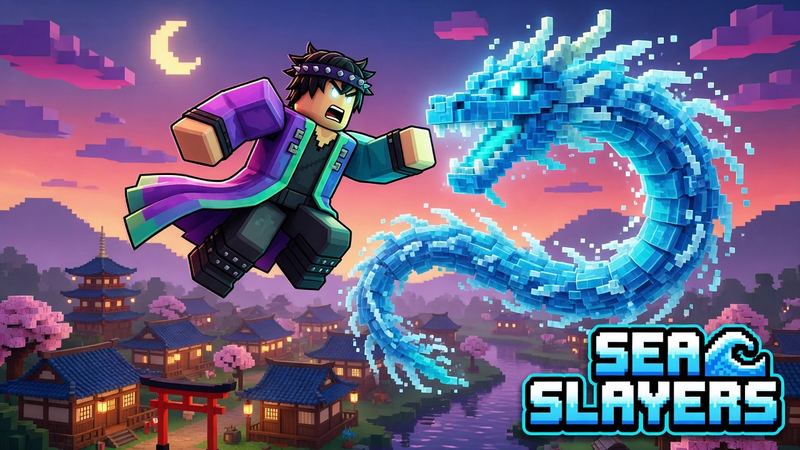
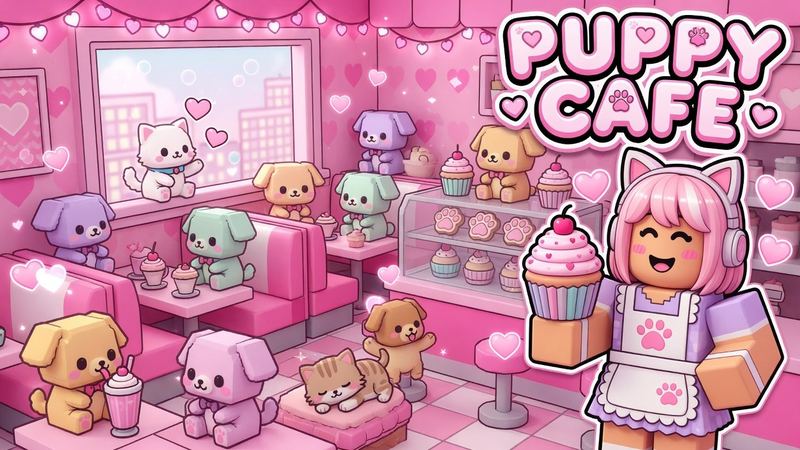
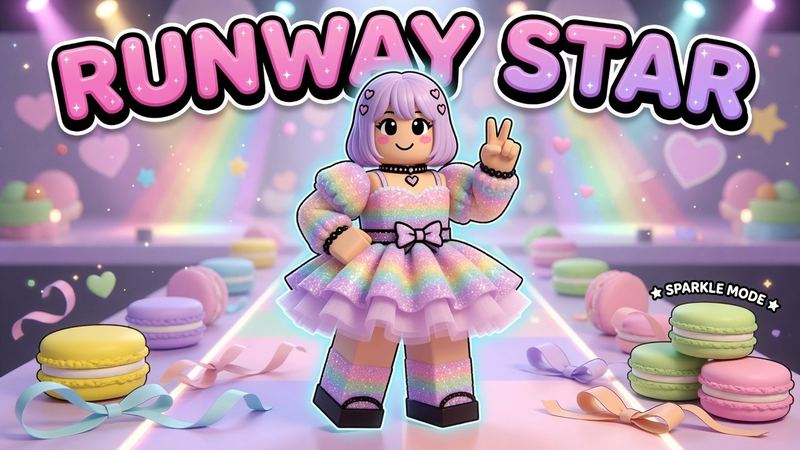
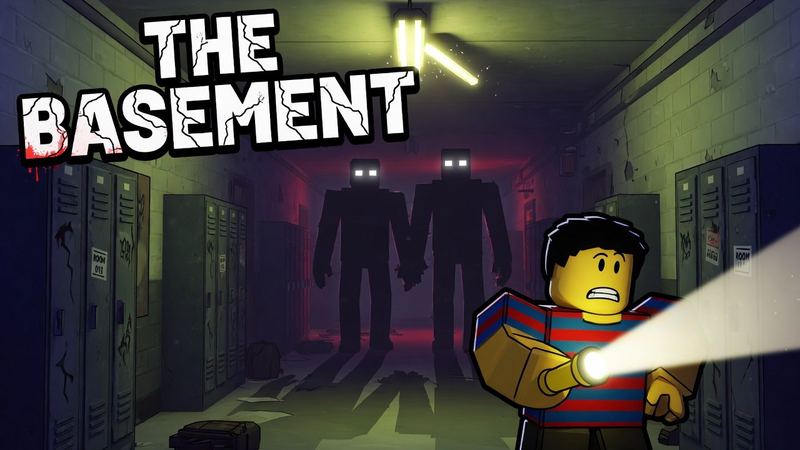
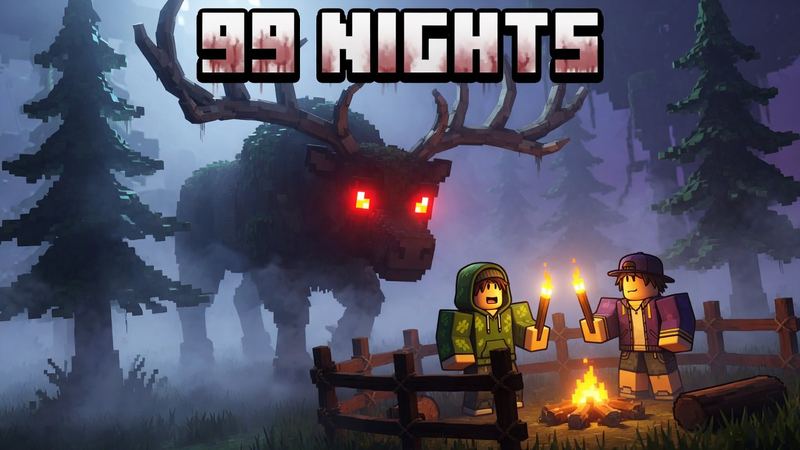
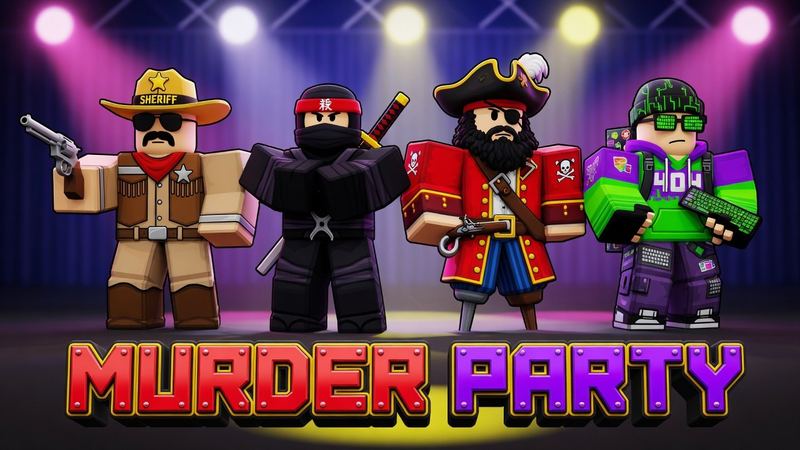
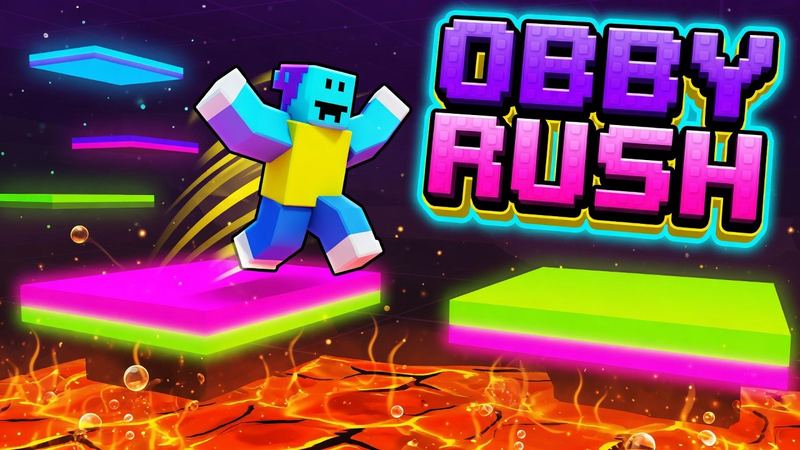
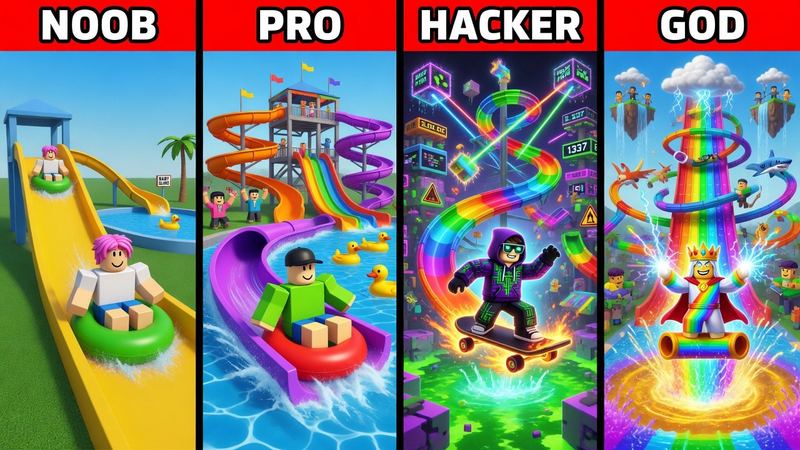
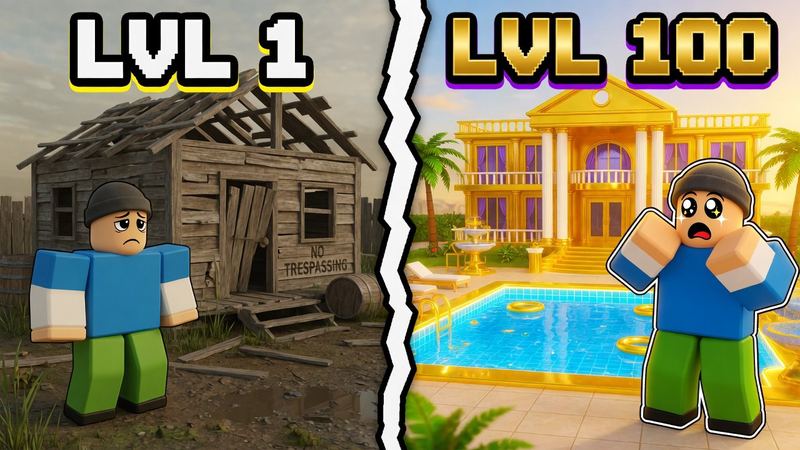
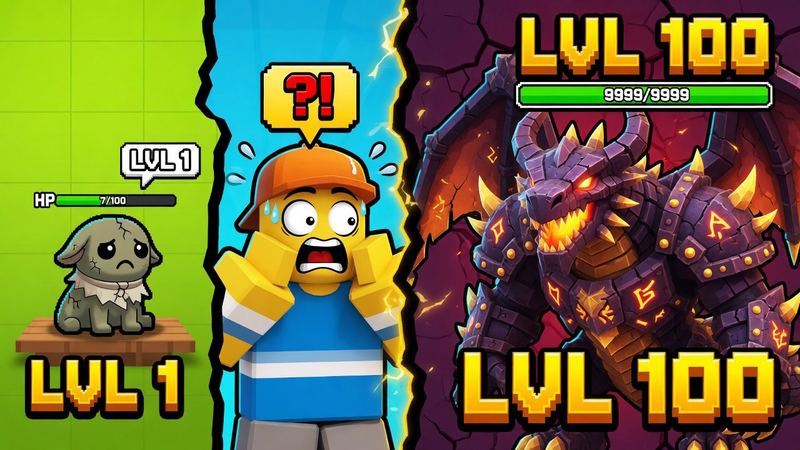
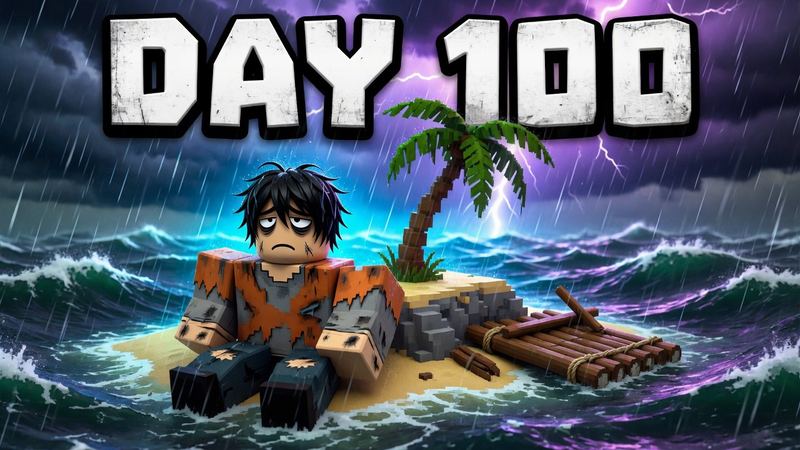
Roblox avatar GFX examples
Tap an example to load its style and prompt, then upload your own avatar image.
GFX styles for avatars and profile pictures
Start with a simple composition when preserving the exact avatar matters most.
Profile portrait
A close, readable avatar portrait with studio lighting and a clean color backdrop.
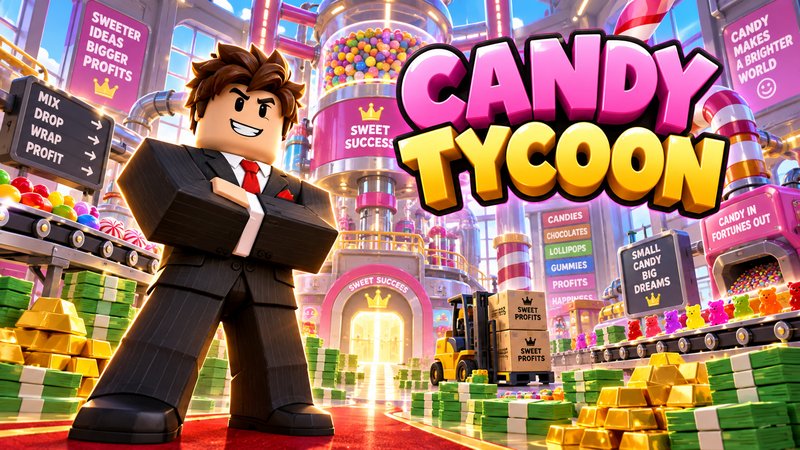
Crossed arms
A confident waist-up pose that keeps the face and clothing details prominent.
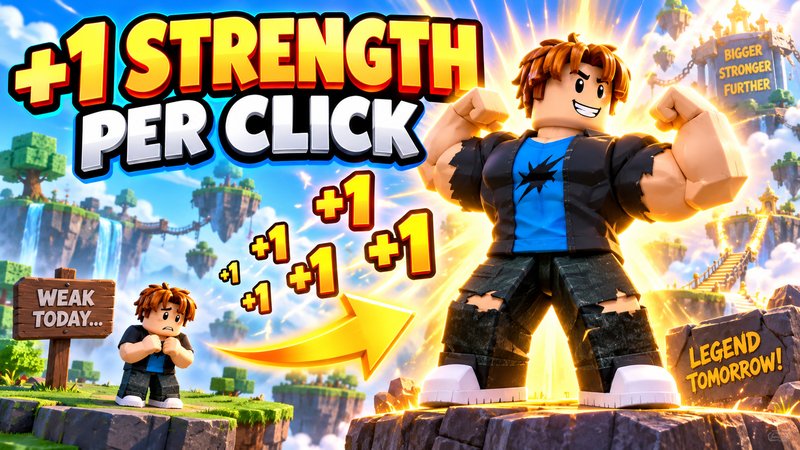
Power aura
A simple hero pose with colored energy, particles and a bright rim light.
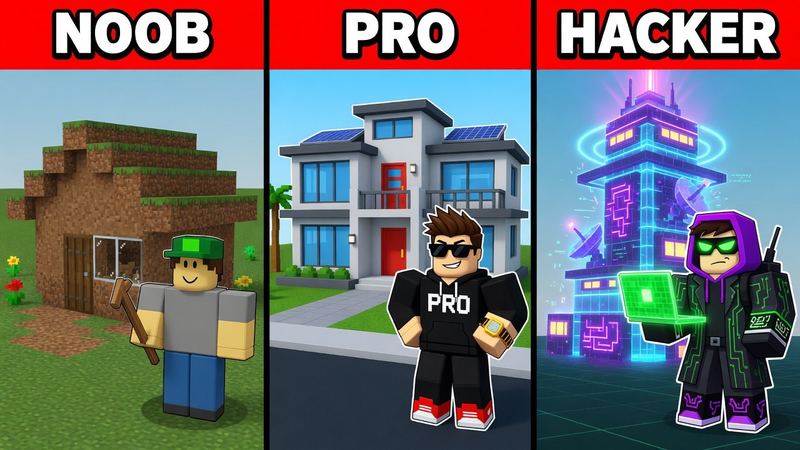
Neon city
Your avatar in a cinematic rooftop scene with colored lights and soft fog.
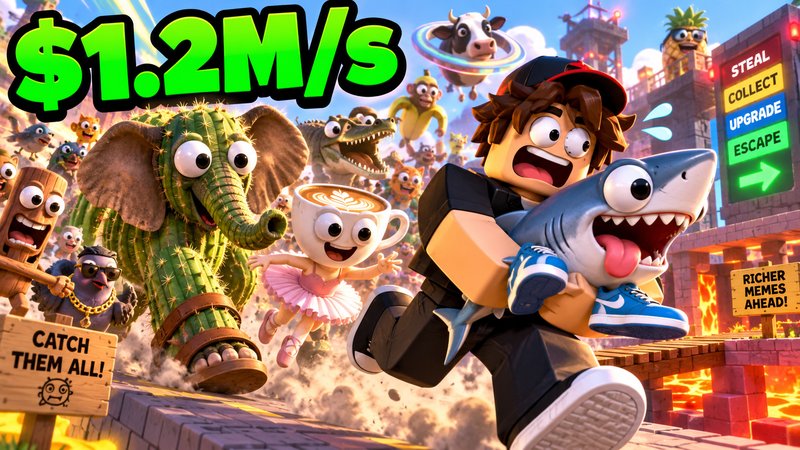
Action pose
A full-body pose with restrained motion effects. Simpler accessories preserve best.
How to make Roblox GFX with AI
A clear avatar reference matters more than a long prompt.
- 1Upload your avatar. Use a clear screenshot that shows the face, hair, outfit and important accessories.
- 2Pick a style. Choose a portrait, aura, background or pose. Simple poses preserve small details best.
- 3Add direction. Describe the mood, lighting or background. The avatar reference supplies the identity.
- 4Generate and download. Check the face and outfit, then download the finished 1024×1024 PNG.
Questions
What is Roblox GFX?
Roblox GFX is polished artwork built around a Roblox avatar, often used for profile pictures, social posts, group art and game promotion. It usually adds a pose, dramatic lighting, effects and a custom background.
How do I make Roblox GFX with AI?
Upload a clear screenshot of your avatar, choose a GFX style, describe the pose or background, and generate. RoThumbnail uses the uploaded avatar as the identity reference.
Does the GFX maker keep my avatar outfit?
It is prompted to preserve the face, hair, clothing colors, patterns and accessories from your reference. Simple portraits and poses are the most consistent; complex action poses can change small accessory details.
What image should I upload?
Use a clear, well-lit avatar screenshot where the face, hair, outfit and important accessories are visible. A simple background and a front or three-quarter view give the AI the best reference.
What size is the finished Roblox GFX?
RoThumbnail downloads avatar GFX as a 1024×1024 PNG, a square format suited to profile pictures and social posts.
Can I download Roblox GFX with a transparent background?
Not yet. Current GFX styles include a finished background so the result is ready to use as a profile picture or post.
Your next thumbnail is a minute away
First one’s free. No sign-up.
Make a thumbnail