Roblox Game Icon Maker
This Roblox icon maker generates a 512×512 game icon with AI. Describe it or add a screenshot of your experience, pick a style, and download an icon that still reads at small sizes.
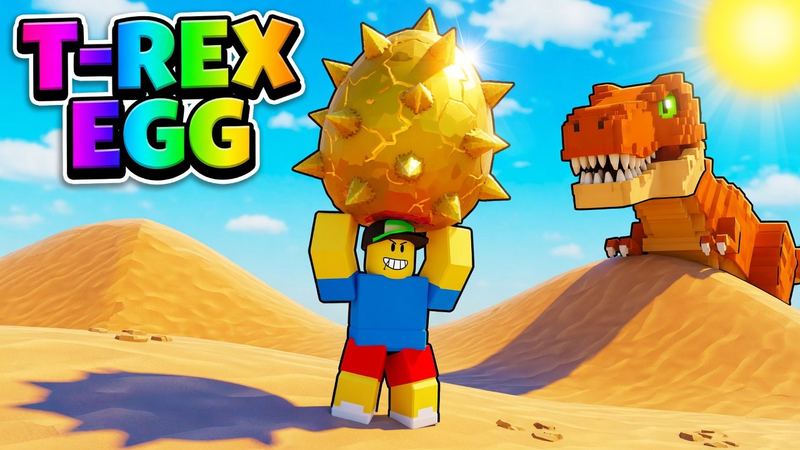
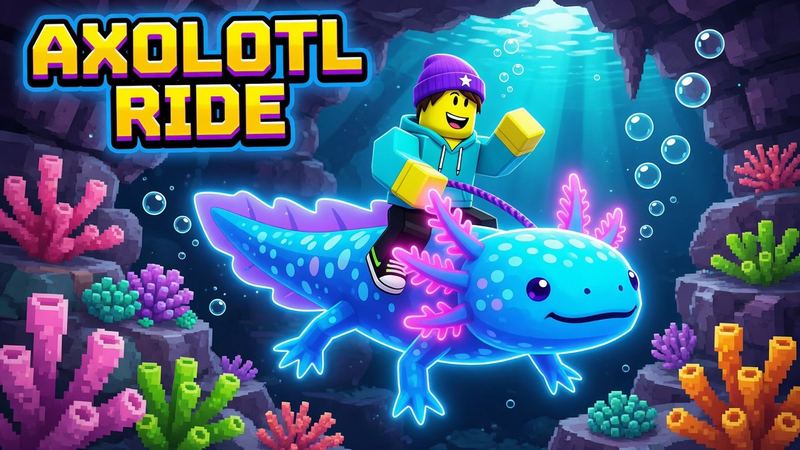
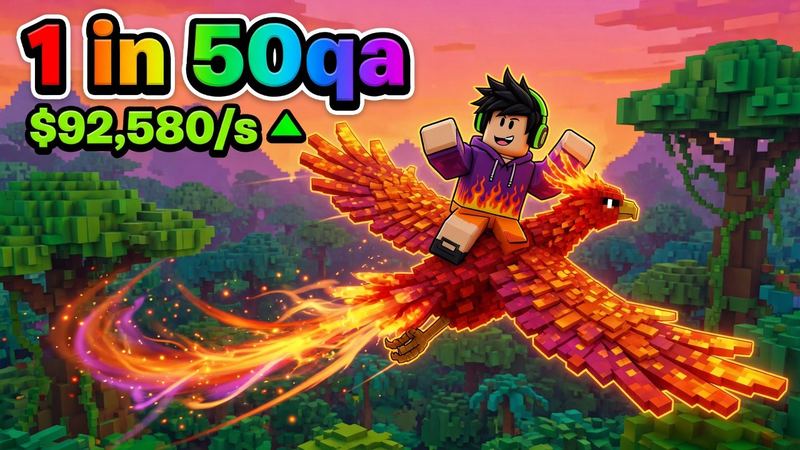
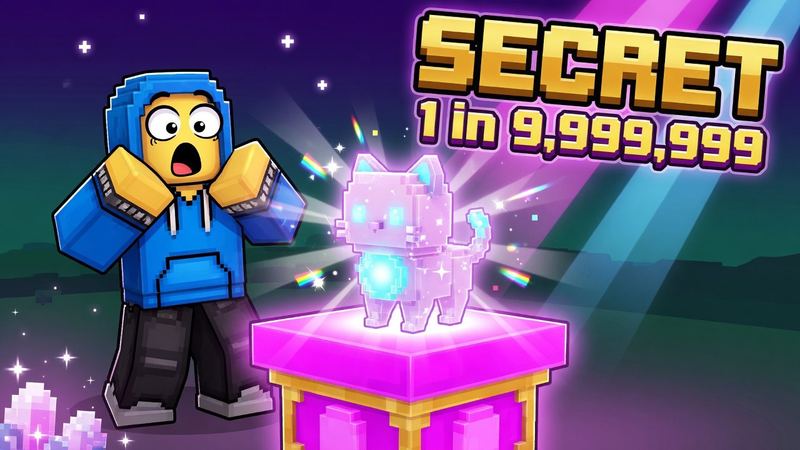
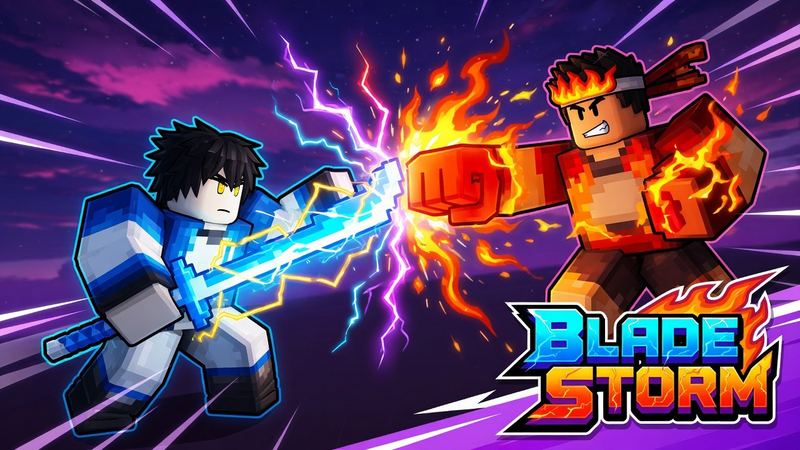
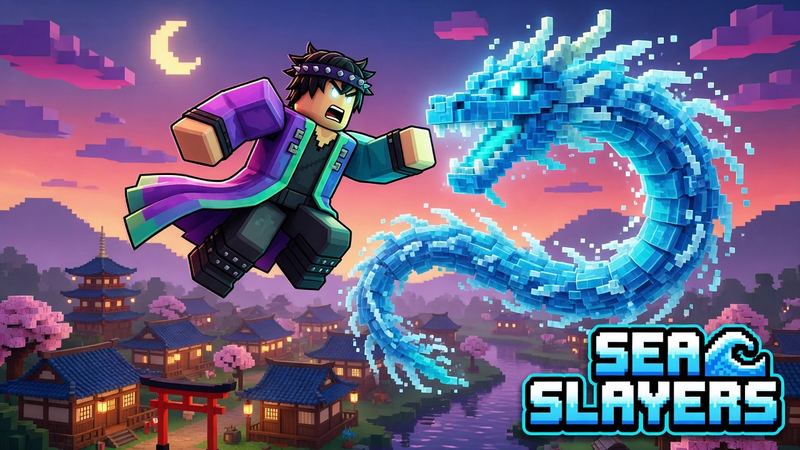
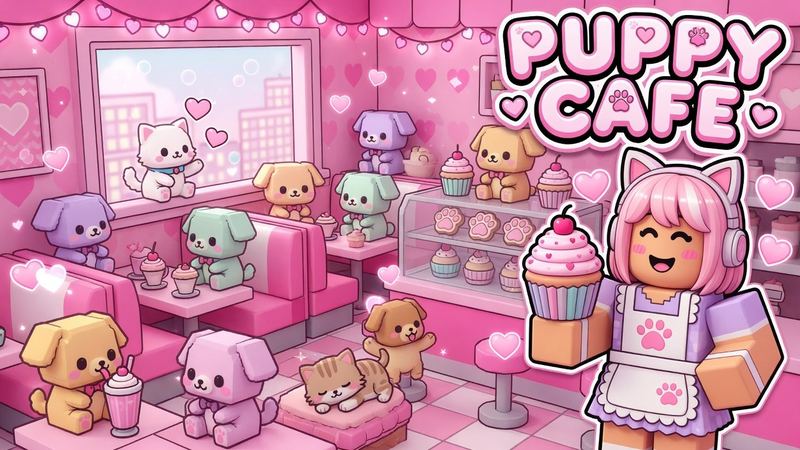
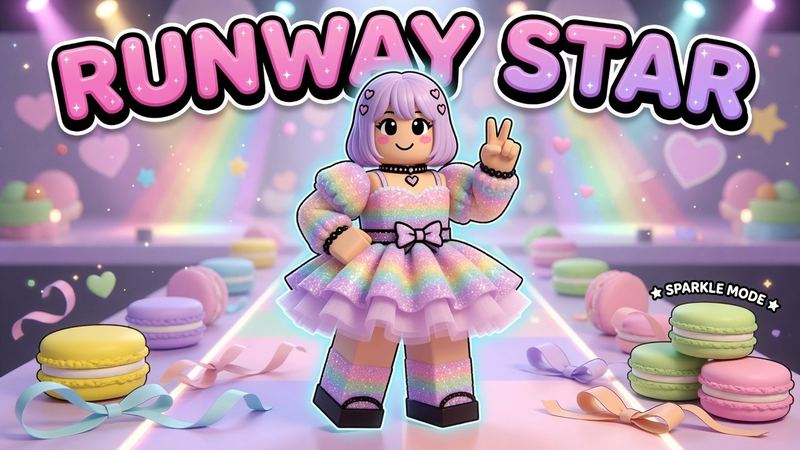
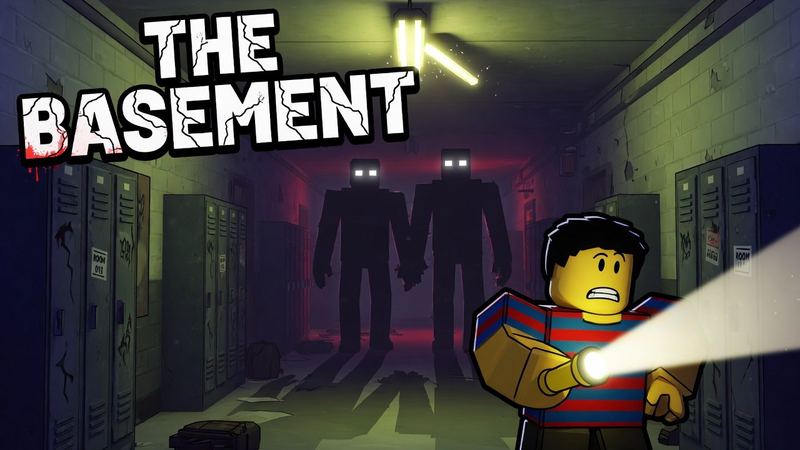
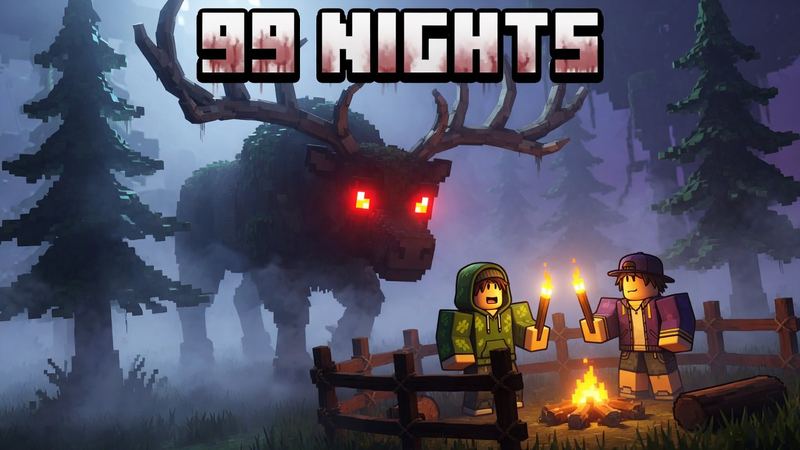
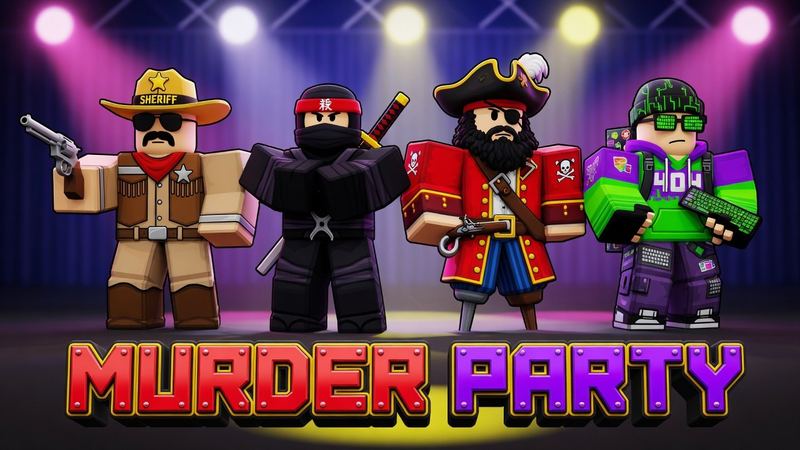
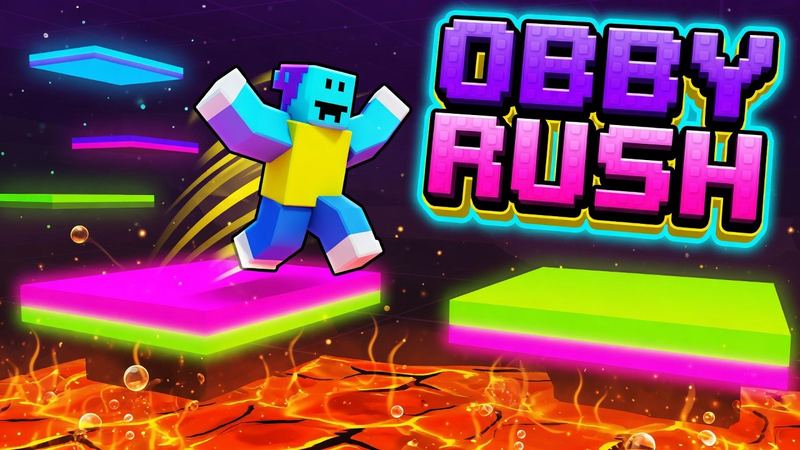
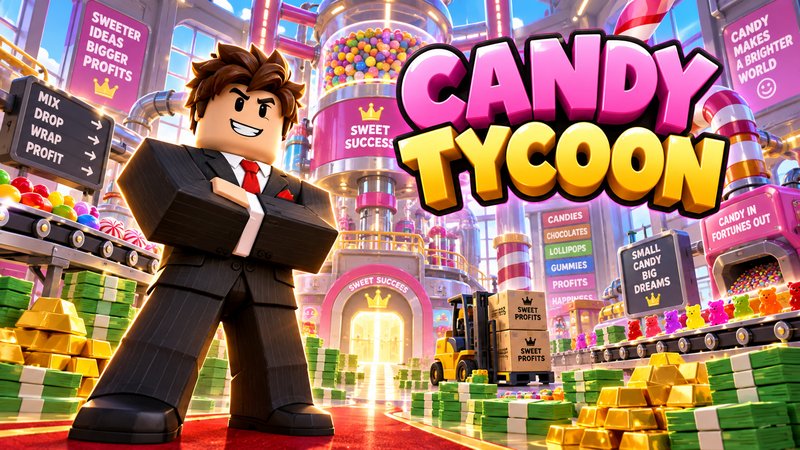
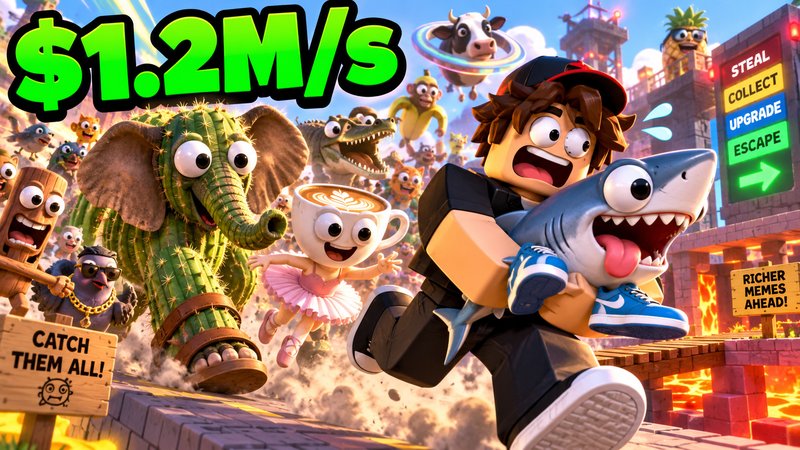
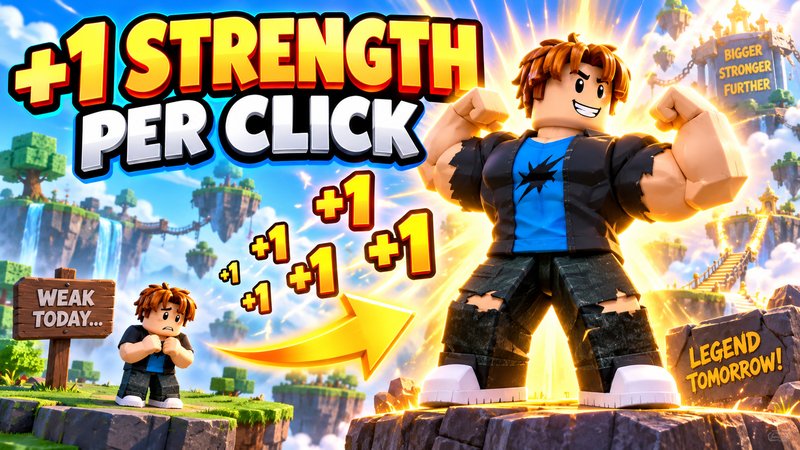
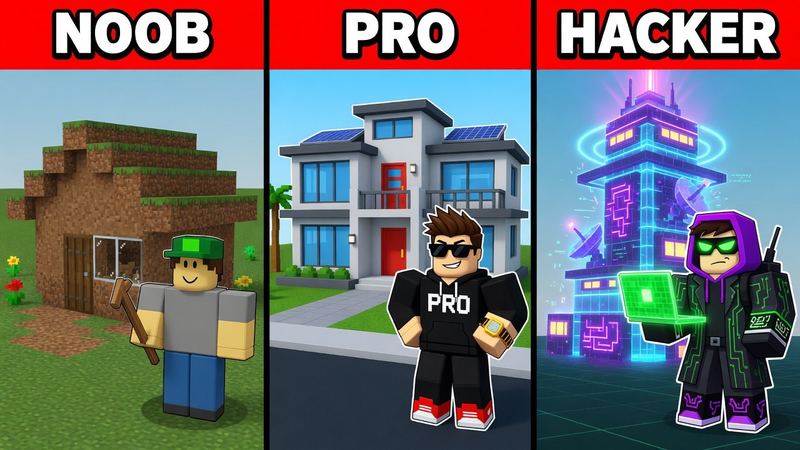
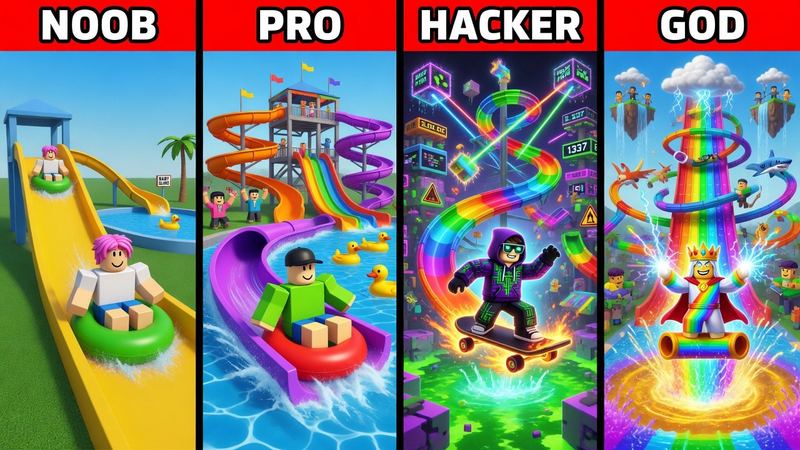
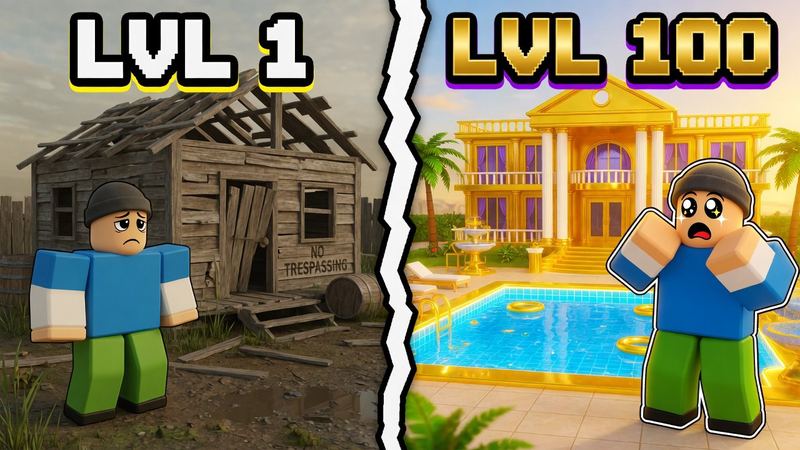
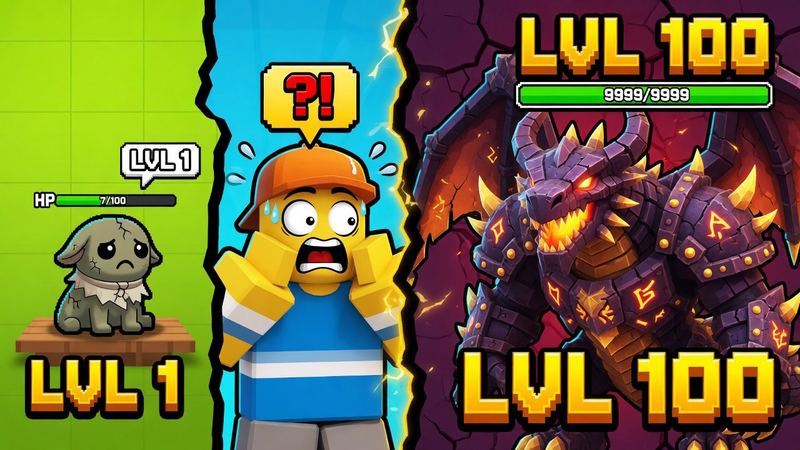
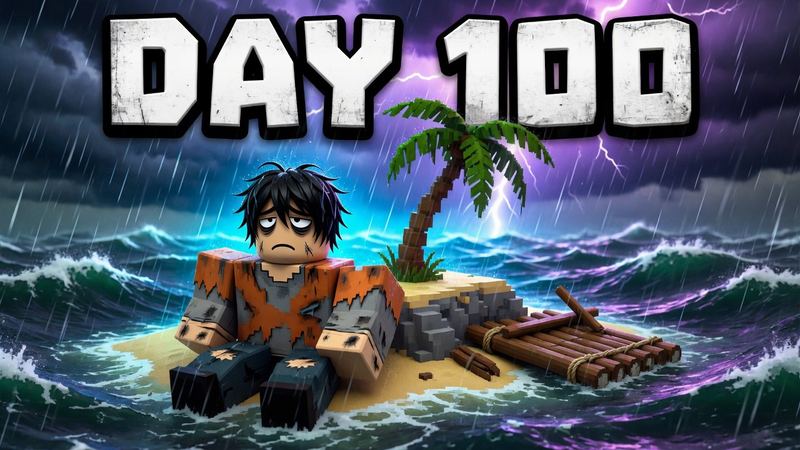
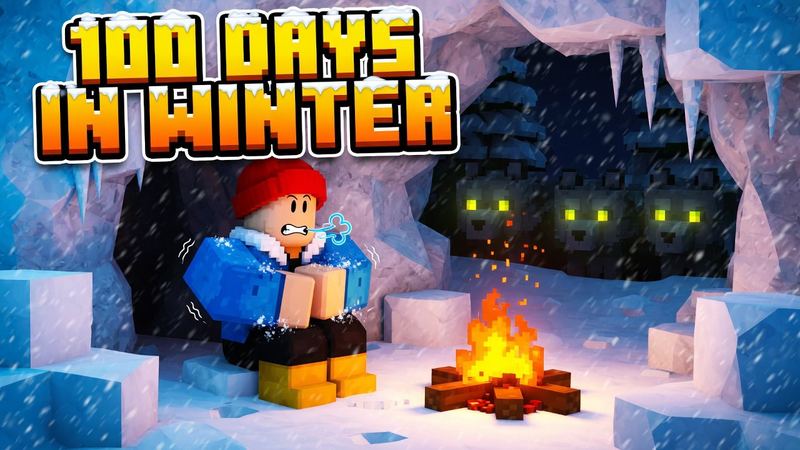
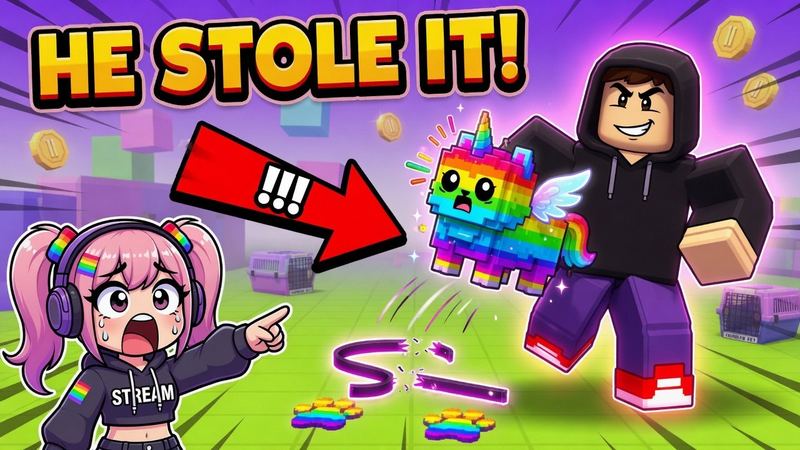
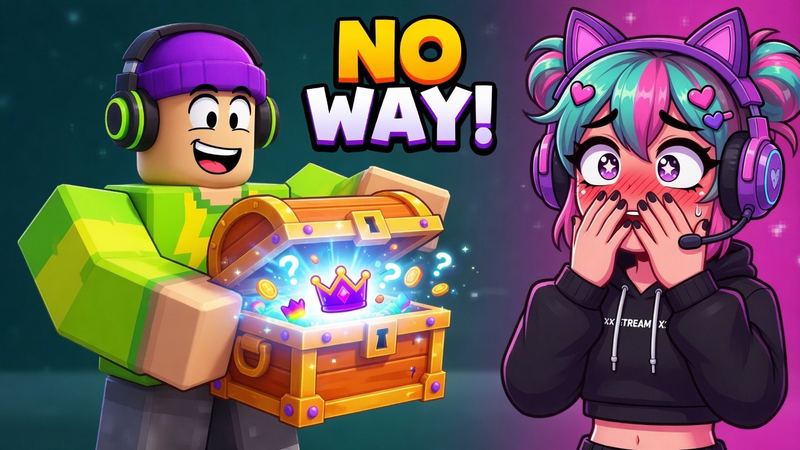
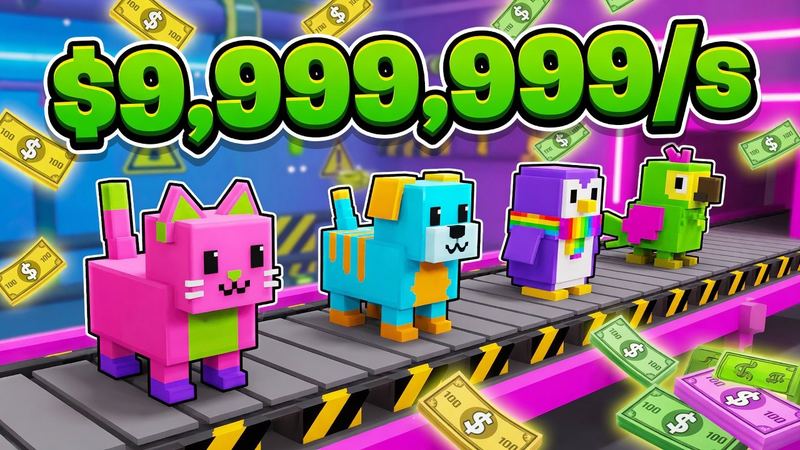
Icons made with the Roblox icon generator
Tap one to load its style and prompt, then make it about your game.
Roblox icon ideas by game type
An icon has one job: say what your game is about in a single image. These subjects work for each genre.
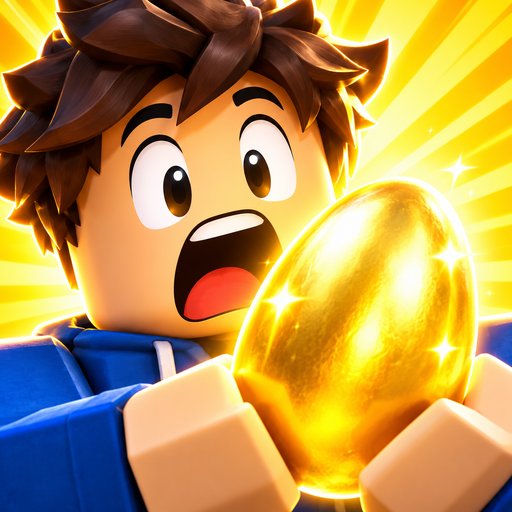
Simulators: a reaction face
A huge, shocked avatar face holding the thing players chase (an egg, a pet, a coin) reads instantly, even at 150×150.
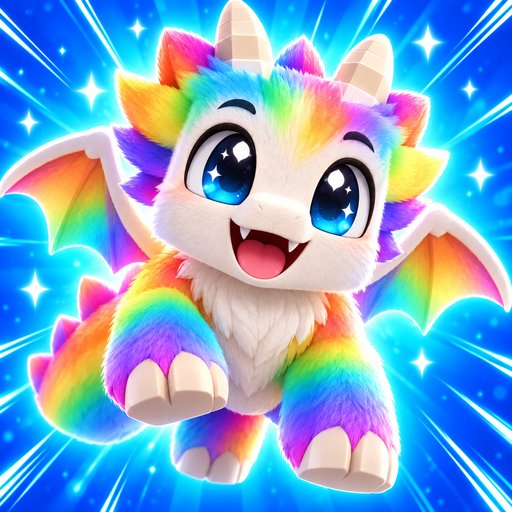
Pet games: the cutest pet
One pet, facing the camera, with big eyes and a glow behind it. Pick the rarest or most recognizable one in your game.
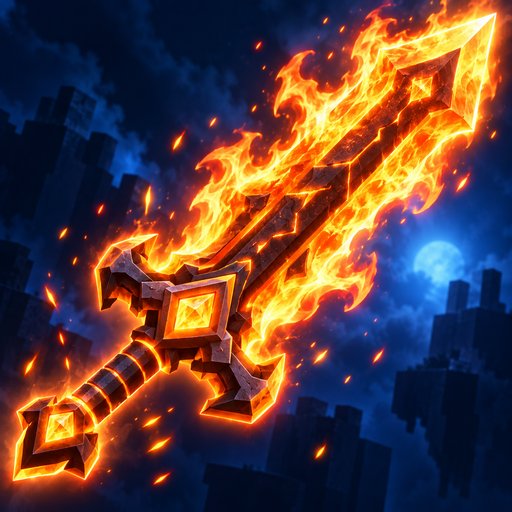
RPGs and fighting: the signature item
A sword, a fruit or a power floating at an angle with sparks. The item players want most makes the strongest icon.
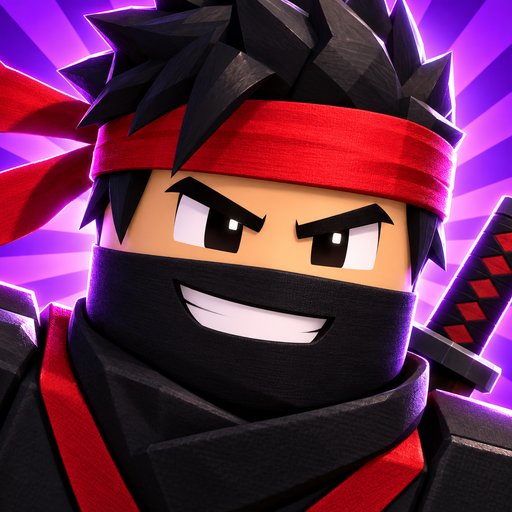
Anime games: a character close-up
Crop tight on one character’s face and headgear, with a bold color burst behind it.
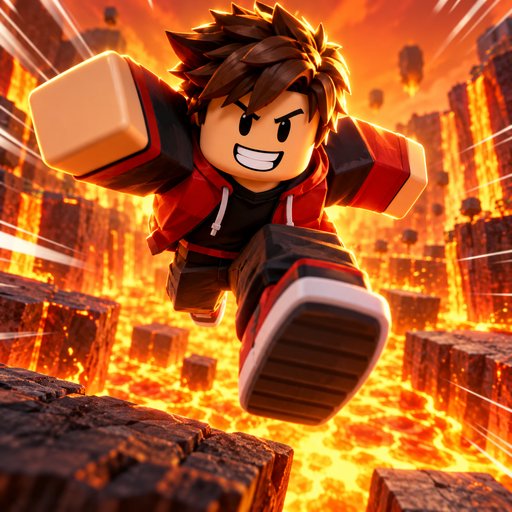
Obbies: the action
One avatar mid-jump toward the camera over lava or a gap. Motion streaks say “parkour” without any text.
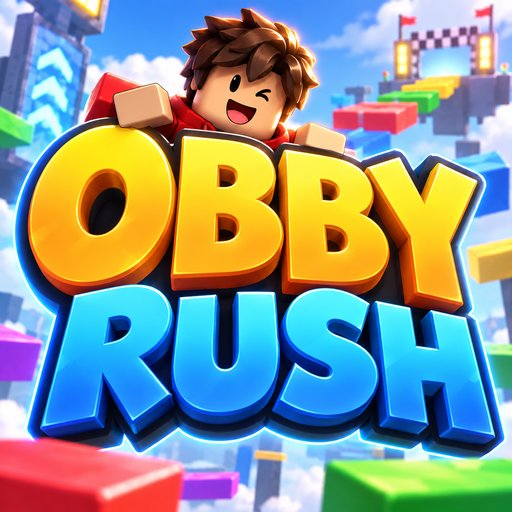
Known names: the logo
If players already search for your game by name, a chunky 3D logo with a small character peeking out works.
How to make a Roblox game icon with AI
Five steps with the Roblox icon maker, about a minute.
- 1Pick one subject. The face, pet or item that defines your game. Everything else is background.
- 2Describe it or add a screenshot. Write the subject and the mood, or upload a screenshot so the icon keeps your characters and look.
- 3Choose a style. Character close-up, pet, item, action moment or game logo. The style handles the composition.
- 4Generate and check it small. Look at the result at thumbnail size. If the subject isn’t clear at a glance, simplify the prompt and try again.
- 5Download and upload it. The PNG comes out at exactly 512×512. Upload it in the Creator Dashboard under Configure → Places → your start place → Icon.
What Roblox expects from a game icon
From Roblox’s creator docs. More detail in the Roblox thumbnail size guide.
- Size
- 512 × 512 px (1:1)
- Smallest display
- Scaled down to sizes like 150 × 150
- How many
- One icon shown per language
- Review
- Must pass Roblox moderation before others see it
How to make a Roblox icon that gets clicks
The icon is the first thing players see next to your game name.
- 1One subject, filling the frame. A face, a pet or an item. At 150×150 there is no room for a scene.
- 2Two words at most. A huge “NEW” or “2X” can work. A full game title can’t be read at icon size.
- 3Let color set the mood. Bright, saturated colors for simulators and fantasy; muted, dark colors for horror.
- 4Match your thumbnail. Use the same character and colors as your game cover so players recognize the game everywhere.
Need the 1920×1080 cover too? Use the Roblox game thumbnail maker.
Questions
What size is a Roblox game icon?
512×512 pixels, square. Roblox scales icons down to sizes like 150×150, so RoThumbnail composes one bold subject and downloads the icon at exactly 512×512.
Is this Roblox icon generator free?
Your first icon is free with no account, and Google sign-in gives you 3 free every month. An icon costs 1 credit.
Can I make an icon from my own game?
Yes. Add a screenshot of your experience or your avatar and the icon keeps your characters and look.
Should a game icon have text?
Keep it to one or two huge words, or none. At 150×150 a long title turns into noise; put the title on your thumbnail instead.
What is the difference between a Roblox icon and a thumbnail?
The icon is the square 512×512 image next to your game name in lists and search. Thumbnails are the 1920×1080 images on your experience page. Use the same character and colors on both so players recognize your game.
How do I upload a Roblox game icon?
In the Creator Dashboard, open your game, go to Configure → Places, click the start place (marked with a star), select Icon, set the media type to Image, click Change, pick your file and click Save Changes.
Will Roblox accept an AI-made icon?
Every icon has to pass Roblox moderation and should show what players will actually find in your game. Starting from a real screenshot keeps it true to your experience.
Your next thumbnail is a minute away
First one’s free. No sign-up.
Make a thumbnail