Roblox Game Thumbnail Maker
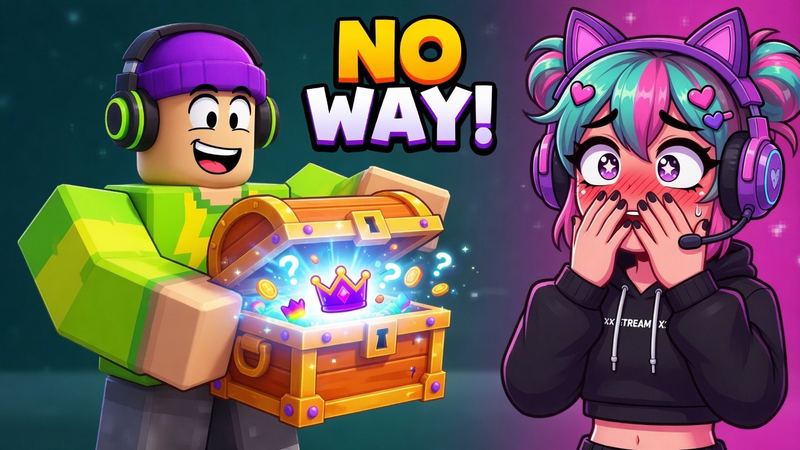
This Roblox game thumbnail maker turns a screenshot or image of your experience into a 1920×1080 game cover that gets clicked on the Home page. Describe the scene, pick a style, and generate.
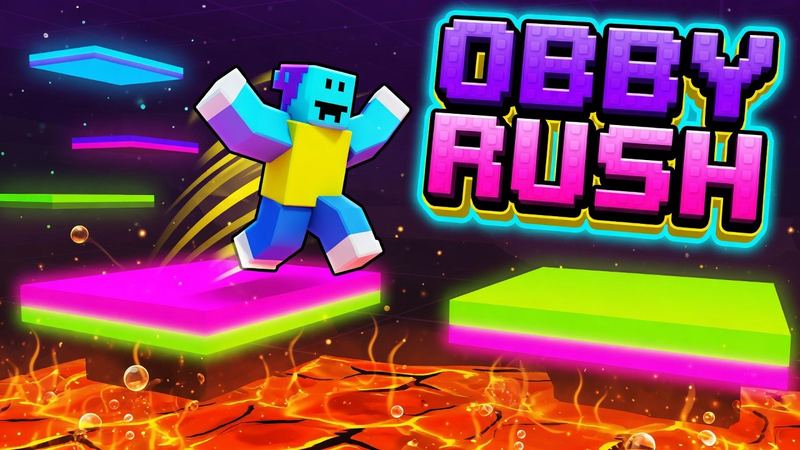
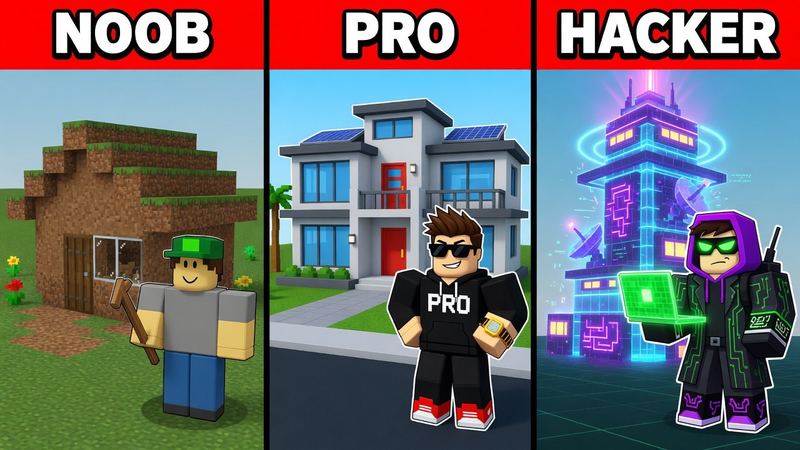
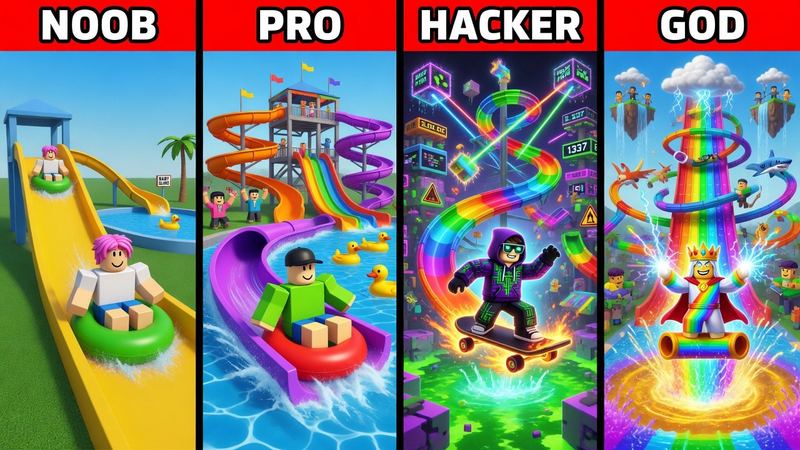
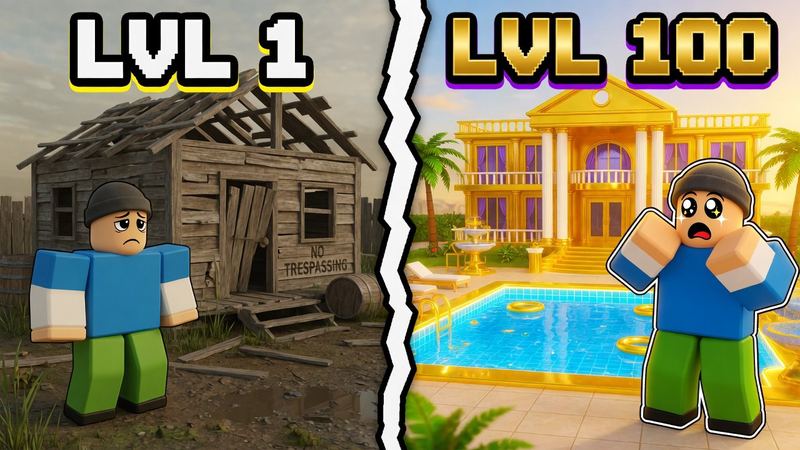
Roblox game covers made with AI
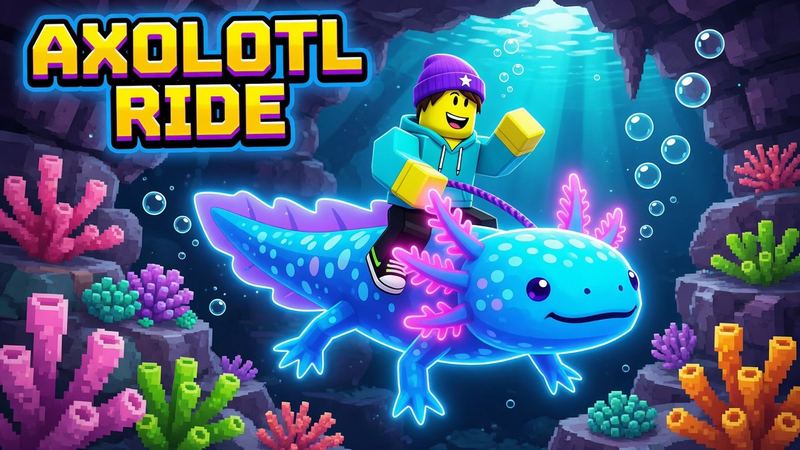
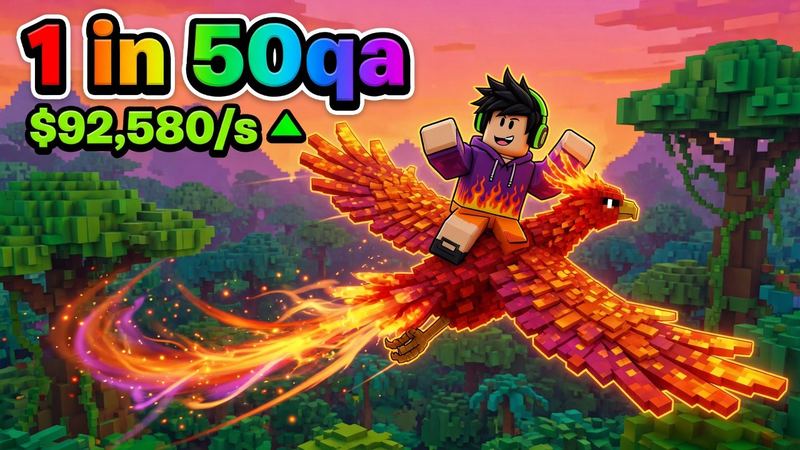
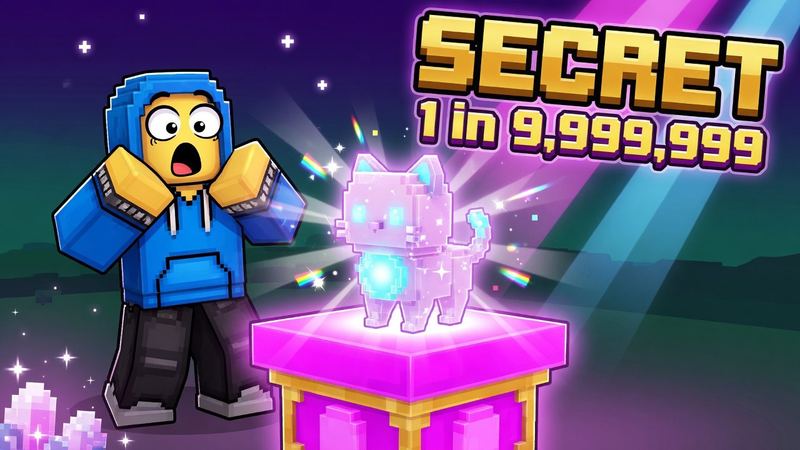
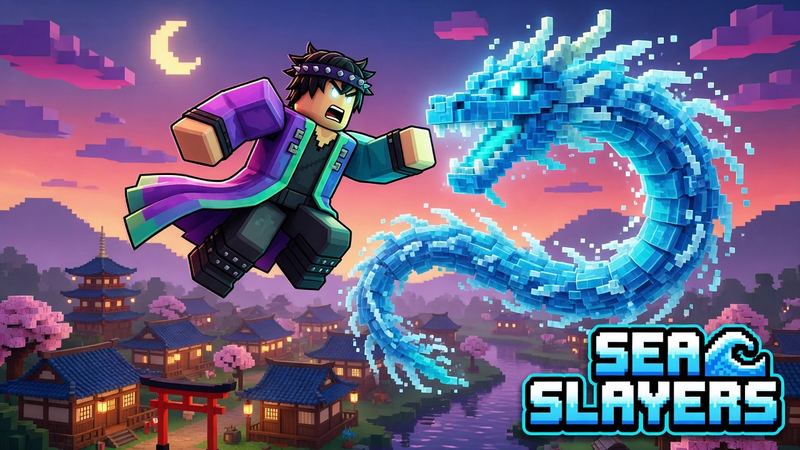
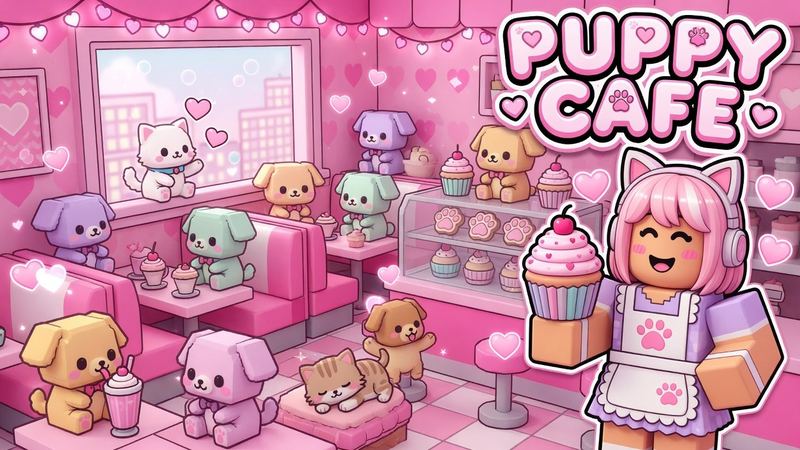
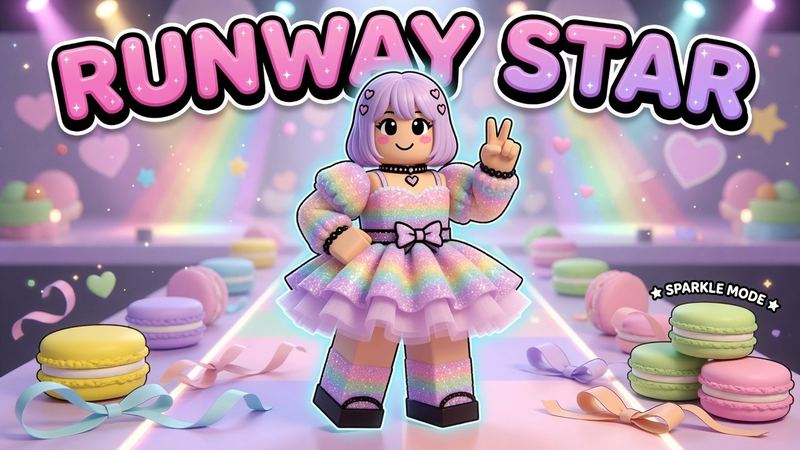
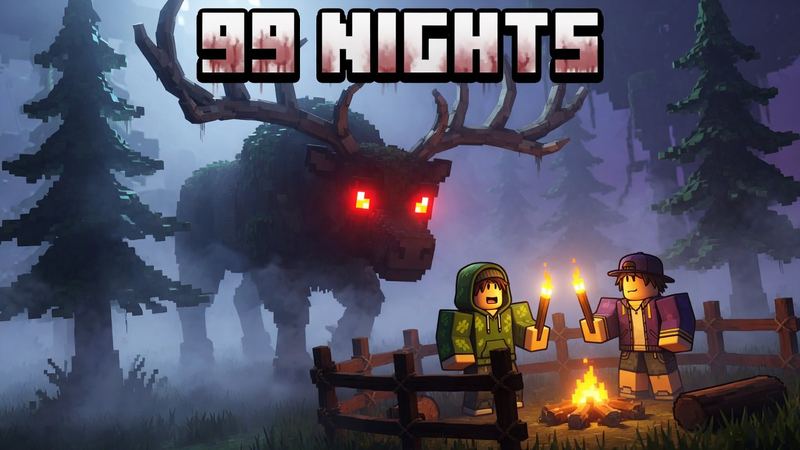
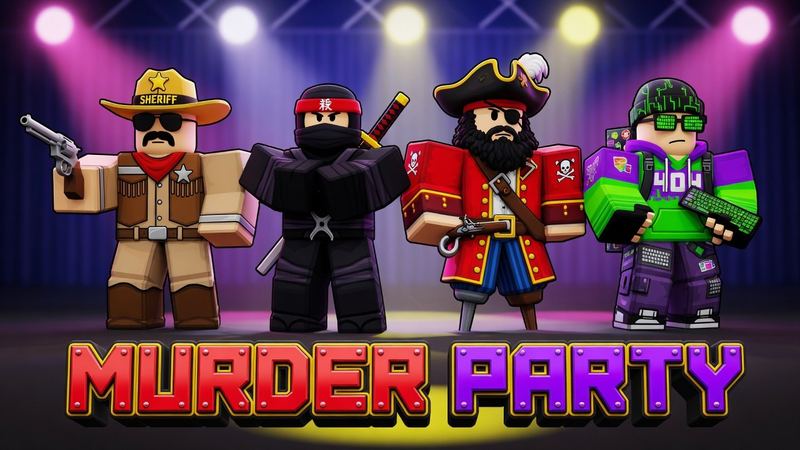
Tap one to load its style and prompt, then swap in your own game.
Turn an image into a Roblox game thumbnail
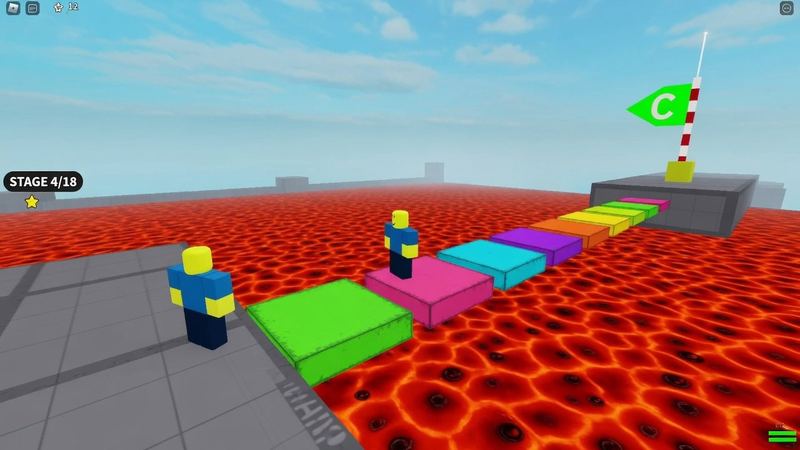
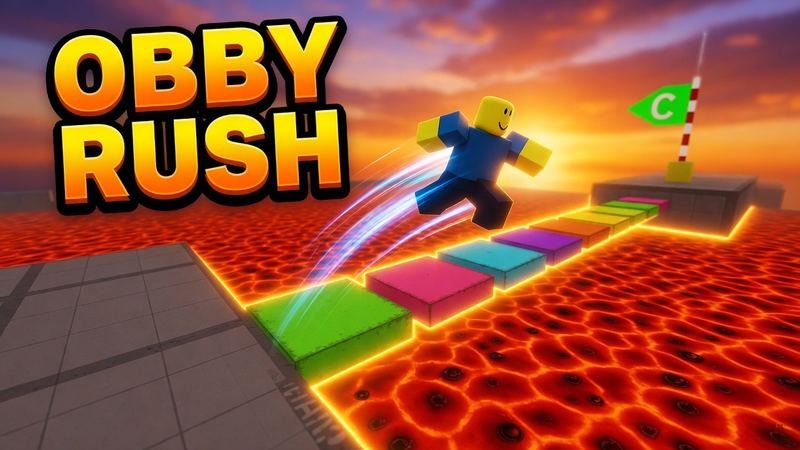
Drop in a screenshot from your game. RoThumbnail keeps your map and characters, then adds the lighting, drama and title that make people click.
Roblox thumbnail ideas by game type
Players read the genre before the title. Match what top games in your genre already do, then make it about your game.
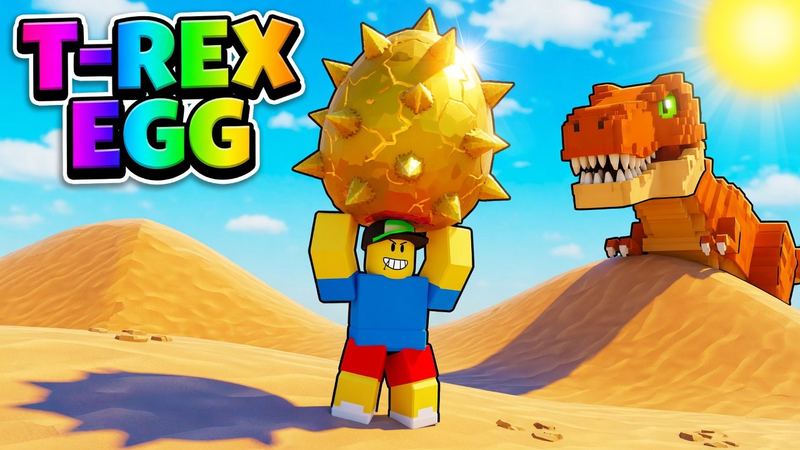
Pet simulator
A giant pet or egg is the hero, with a small avatar for scale, a bright sky and a rainbow or outlined title. Most top simulators look like this.
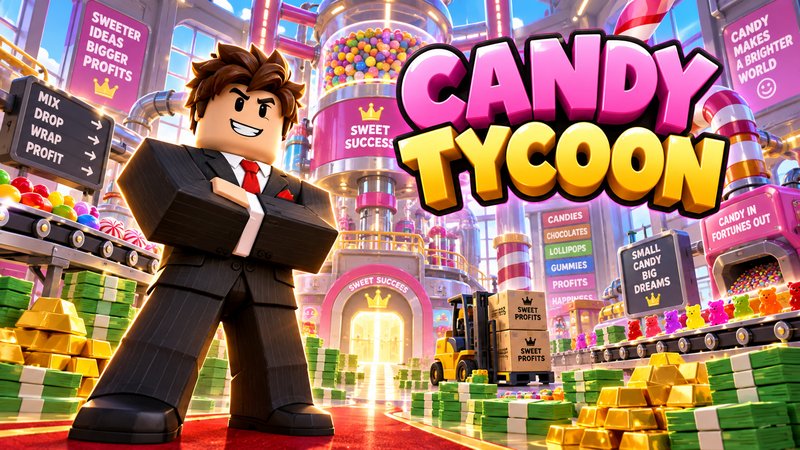
Tycoon
Show what players get to own: the factory, the mansion, the piles of cash. Put a proud avatar in front and make TYCOON part of the title.
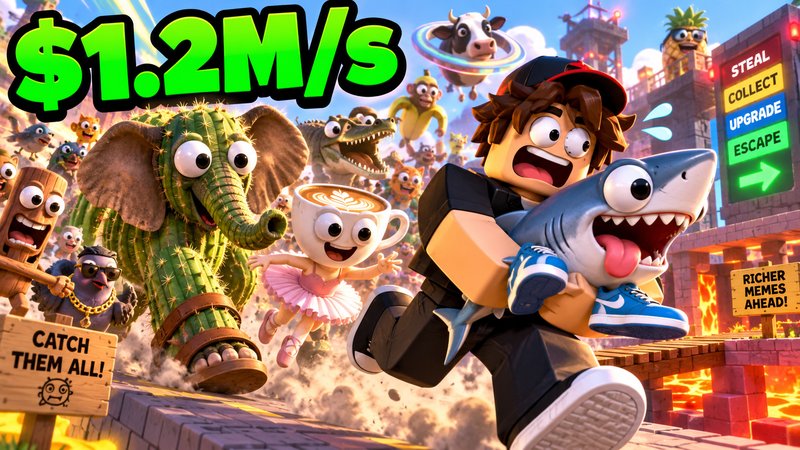
Brainrot
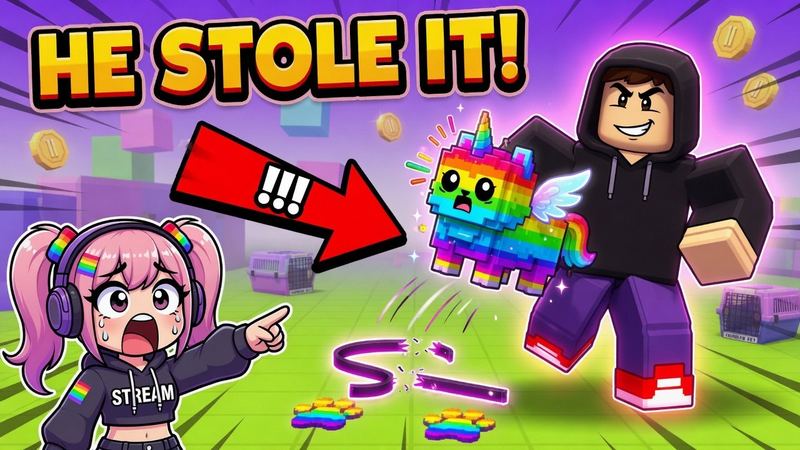
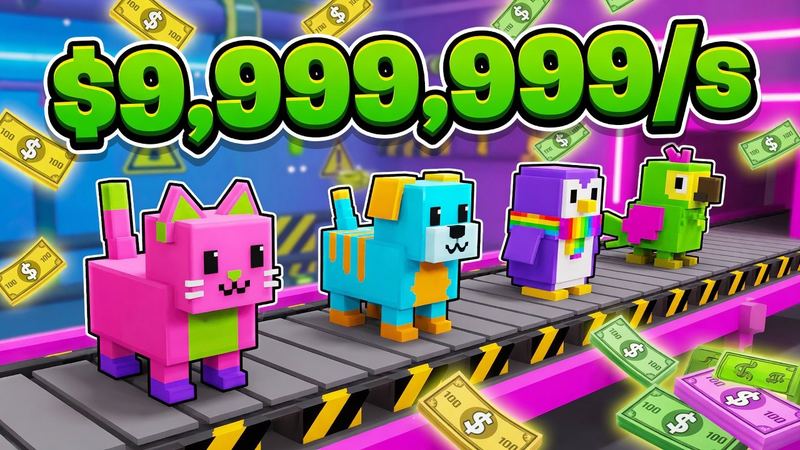
Crowd the frame with the meme creatures players collect, add a huge money-per-second number, and catch the avatar mid-steal.
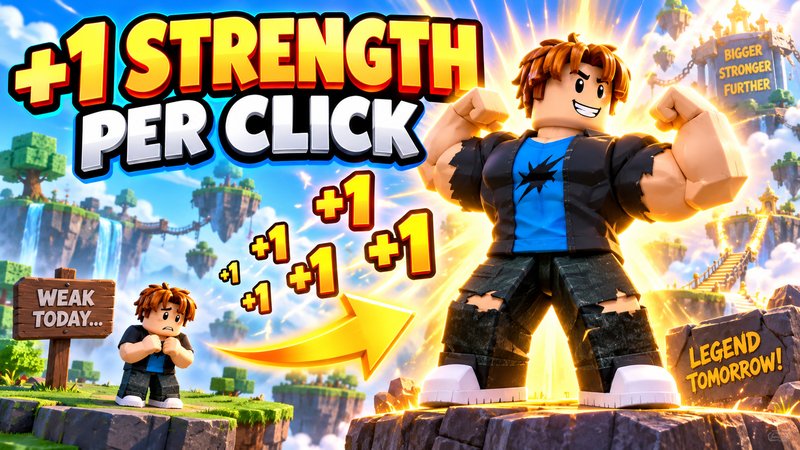
+1 per click
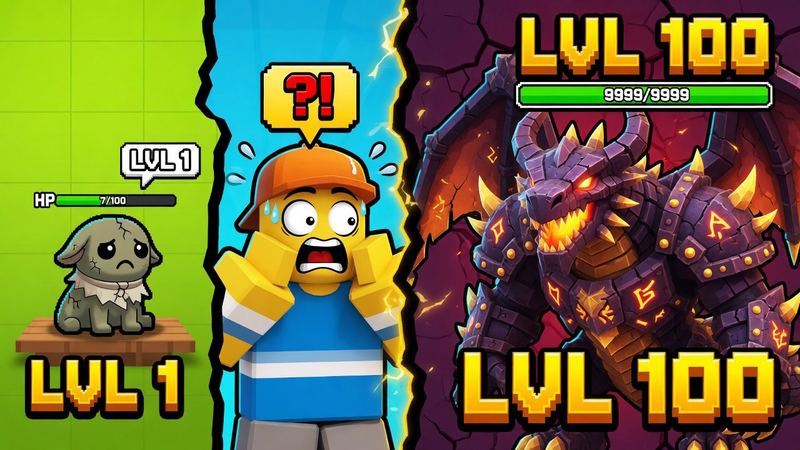
Show before and after: tiny on one side, gigantic on the other, with +1 popups between. The headline says exactly what each click gives.
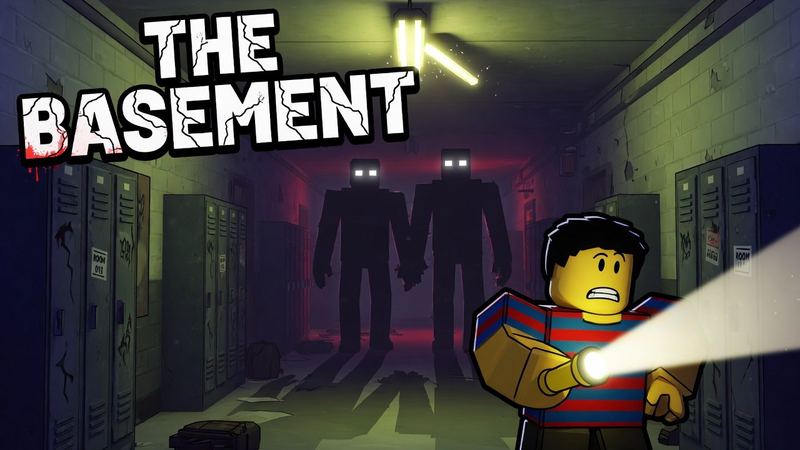
Horror
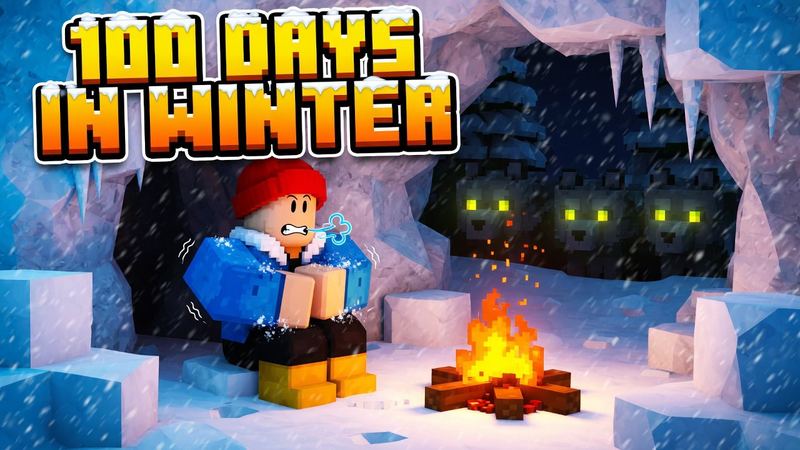
One light source, shadowy figures with glowing eyes and a scared avatar in front. Keep the text short, dark and cracked.
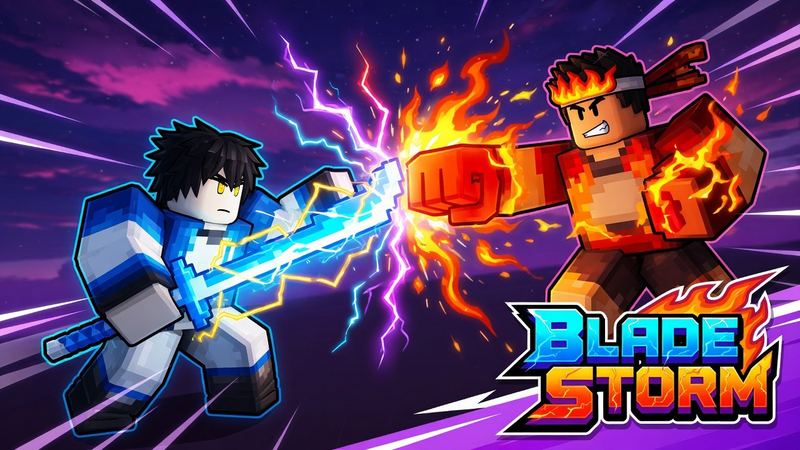
Anime fighting
Anime key-art lighting, energy effects and two fighters clashing, with a stylized logo in a corner.
What Roblox expects
From Roblox’s creator docs. More detail in the Roblox thumbnail size guide.
- Size
- 1920 × 1080 px (16:9)
- Formats
- JPG, PNG, GIF, TGA or BMP
- How many
- Up to 10 images or videos per game
- Home page uploads
- Under 3 MB; activate 2–5 to test them
- Keep clear
- The bottom edge (player count can cover it)
How to make a Roblox game thumbnail that gets plays
What works on the Roblox Home page.
- 1Start from your own game. Upload a screenshot so the cover shows your real map and characters. It converts better and stays within Roblox’s rules on representing your game.
- 2Pick one idea. A giant pet, a rarity number, a boss fight. One clear hero reads at thumbnail size; a busy scene doesn’t.
- 3Title up top, three words max. Your game name or the update (“NEW WORLD OUT!”) in the top half, big and outlined.
- 4Make several and let Roblox test them. Activate 2–5 thumbnails on the Home page tab. Roblox shows each to different players and favors the winner; in its tests, games gained 8.5% more qualified plays on average.
Step-by-step, including how to upload: how to make Roblox thumbnails. Need the square image too? Use the Roblox icon maker. Making a video thumbnail instead? Try the Roblox YouTube thumbnail maker.
Questions
What size should a Roblox game thumbnail be?
1920×1080 pixels at a 16:9 aspect ratio. Roblox stretches every thumbnail to 16:9, so other shapes get distorted. RoThumbnail downloads game covers at exactly 1920×1080.
Will Roblox accept an AI-made thumbnail?
Roblox moderates every thumbnail and wants it to show what players will actually find in your game. Start from a real screenshot of your experience so the cover stays true to it, and avoid promo text like “50% off”.
How many thumbnails can my game have?
Up to 10 images or videos on your game’s detail page. For the Home page, activate 2 to 5 thumbnails so Roblox can test which one gets more plays.
Where does the title text go?
Keep titles in the top half. Roblox can cover the bottom of a thumbnail with details like the player count.
Is a Roblox game cover the same as a thumbnail?
Yes. Roblox calls the 16:9 images on your experience page thumbnails; players and creators often call the main one the game cover. Both are 1920×1080. The square image next to your game name is the icon, a separate 512×512 upload.
Can I turn an image into a Roblox game thumbnail?
Yes. Upload a screenshot or any image of your game (PNG, JPG or WebP) and it becomes the base: your map and characters stay, and the lighting, drama and title are added.
Is this Roblox game thumbnail maker free?
Your first thumbnail is free with no account, and Google sign-in gives you 3 free every month.
Your next thumbnail is a minute away
First one’s free. No sign-up.
Make a thumbnail