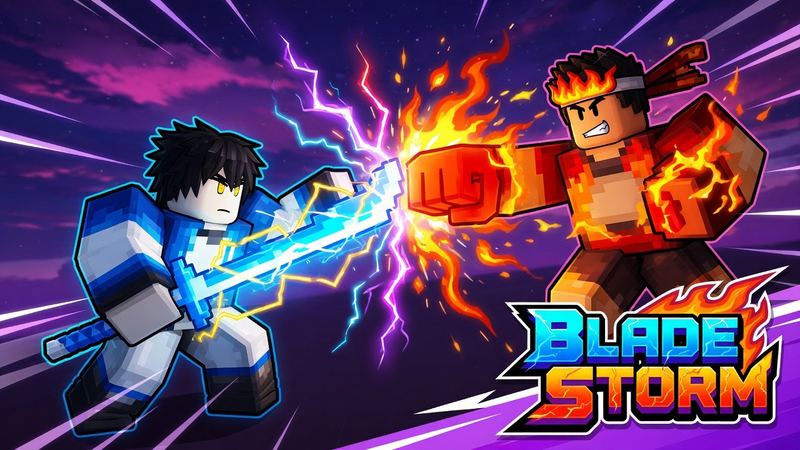
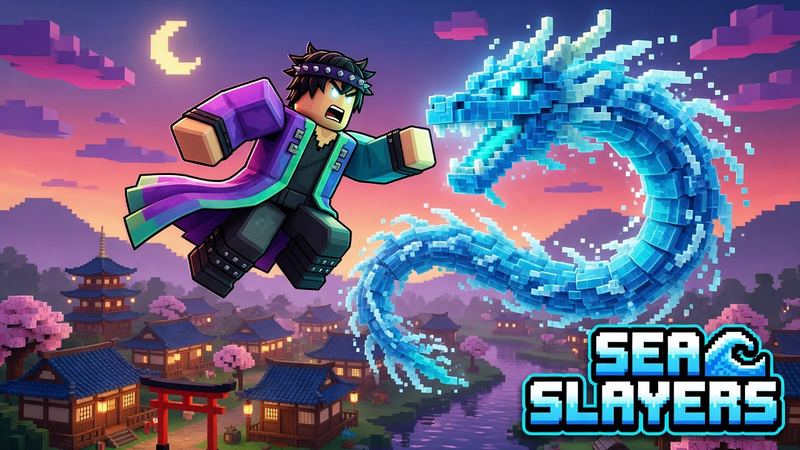
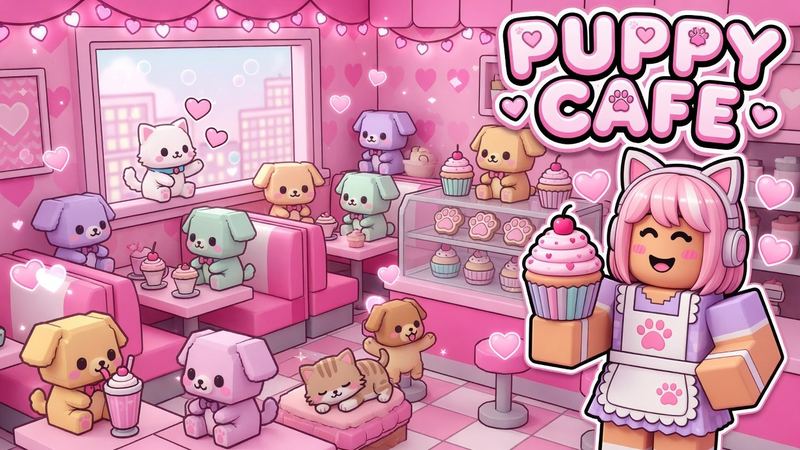
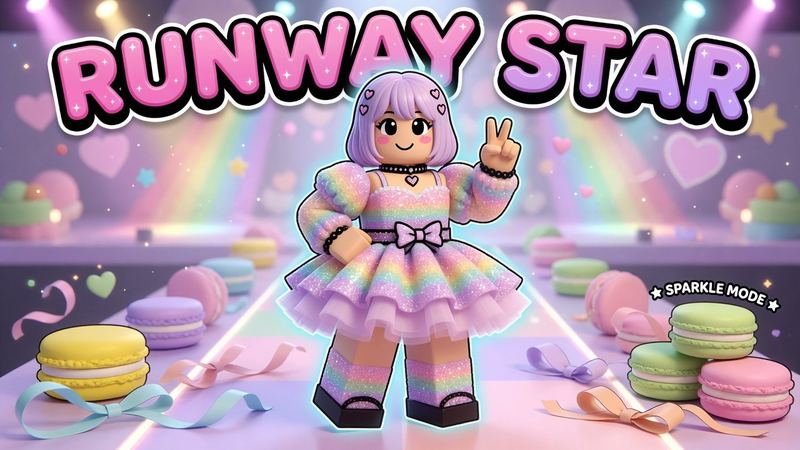
Roblox Badge Maker
This Roblox badge maker designs badge icons with AI. Describe the achievement, pick a badge style and download a 512×512 PNG with everything inside the circle Roblox keeps.
How to make Roblox badge icons
Five steps with the badge maker, about a minute.
- 1Describe the badge. Write what the player did and the symbol for it, for example “a gold trophy with a lava background for beating the final tower”.
- 2Pick a badge style. Achievement uses a symbol, Character uses an avatar or creature. Add a screenshot to keep your game’s look.
- 3Generate and check the circle. Everything important should sit inside the circle. Use the resizer below to preview the crop.
- 4Download the 512×512 PNG. That is the badge template size Roblox uses.
- 5Create the badge in Roblox. Creator Dashboard → hover your game → ⋯ → Create Badge → Upload Image, then add a name and description and click Create Badge.
Roblox badge ideas
Badges work best when players can tell what they earned without reading the name.
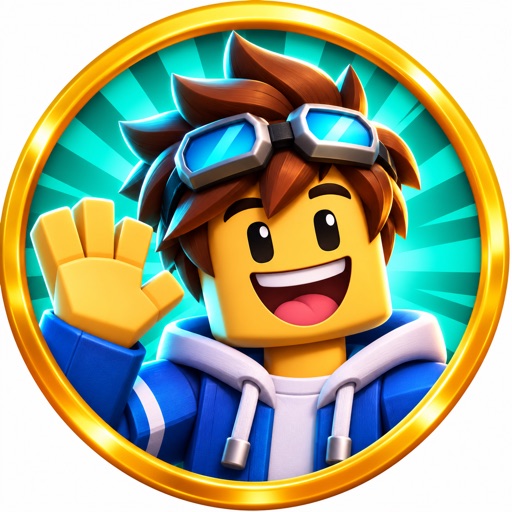
Welcome badge
Your game’s mascot or logo item waving hello. Most players earn it first, so it should look like your game.
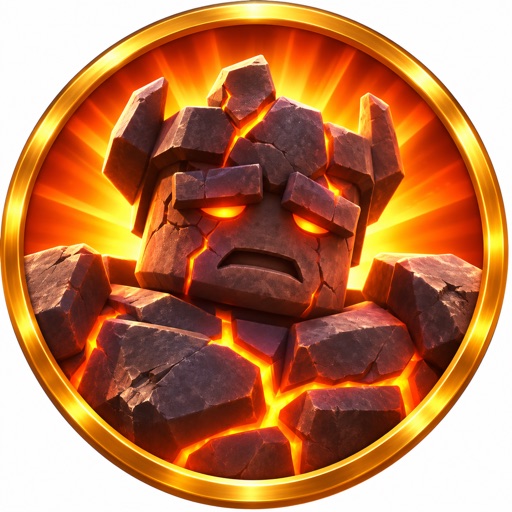
Beat a stage or boss
The boss’s head or the stage number in a glowing rim. Players should know what they won at a glance.
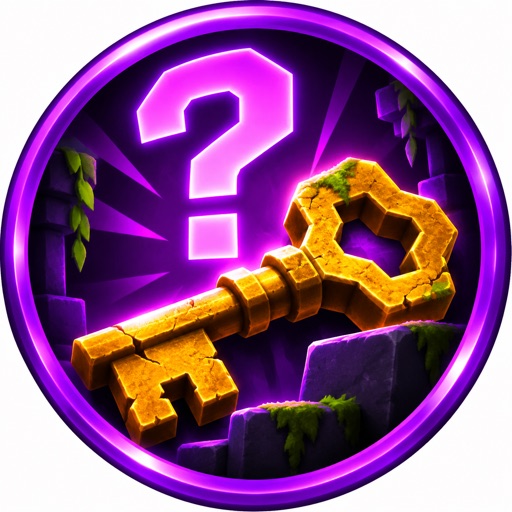
Find a secret
A key, a question mark or a hidden item half in shadow. Mystery makes players hunt for it.
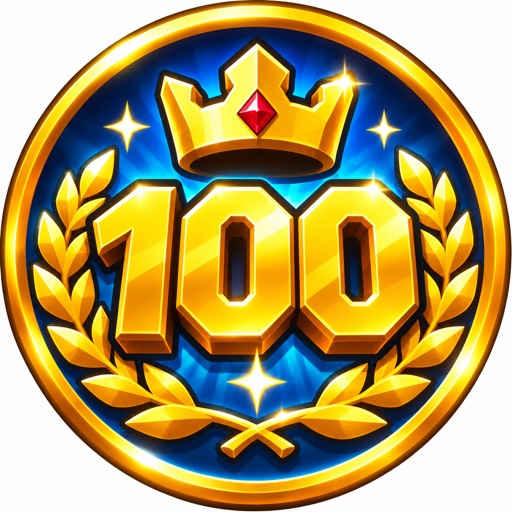
Milestones
A big number for levels, wins or play time, with gold for the hardest ones.
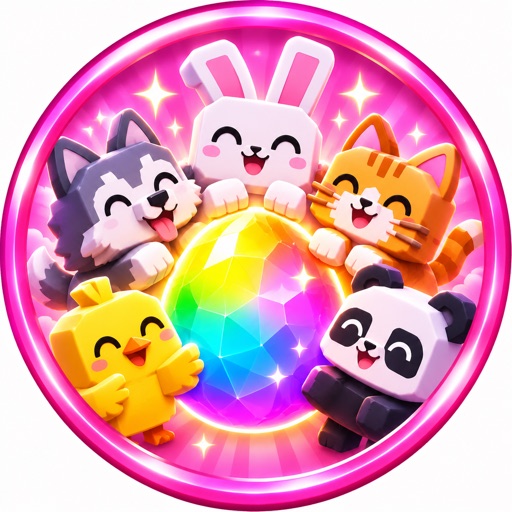
Collect them all
A ring of pets or items around one center piece for completing a set.
Roblox badge size and template
From Roblox’s badge docs. Already have art? Crop it here. All icon sizes are in the Roblox icon size guide.
- Size
- 512 × 512 px template
- Shape
- Trimmed and cropped to a circle on upload
- Free limit
- 5 badges per game every 24 hours (GMT)
- After that
- 100 Robux per badge
Center-cropped to fill the size; Roblox shows only the circle. Your image never leaves your browser.
Selling perks instead? Use the Roblox gamepass icon maker.
Questions
Is this Roblox badge maker free?
Your first badge is free with no account, and Google sign-in gives you 1 free every month. After that a badge costs 1 credit.
What size is a Roblox badge icon?
512×512 pixels. Roblox trims and crops the uploaded image into a circle, so the badge maker keeps everything inside a centered circle.
Does the badge come out with a transparent background?
No, the PNG has a plain background in the corners. Roblox crops badges to a circle anyway, so the corners never show.
How do I make a Roblox badge icon from my own game?
Add a screenshot of your game or your avatar along with the description. The badge keeps your characters and look.
How many badges can I create for free on Roblox?
Roblox lets each game you own create up to 5 badges for free in a 24-hour period (GMT). Each extra badge costs 100 Robux.
How do I add a badge to my Roblox game?
In the Creator Dashboard, hover over your game, click ⋯ and choose Create Badge. Upload the image, add a name and description, and click Create Badge. It then appears under Engagement → Badges.
Your next thumbnail is a minute away
First one’s free. No sign-up.
Make a thumbnail