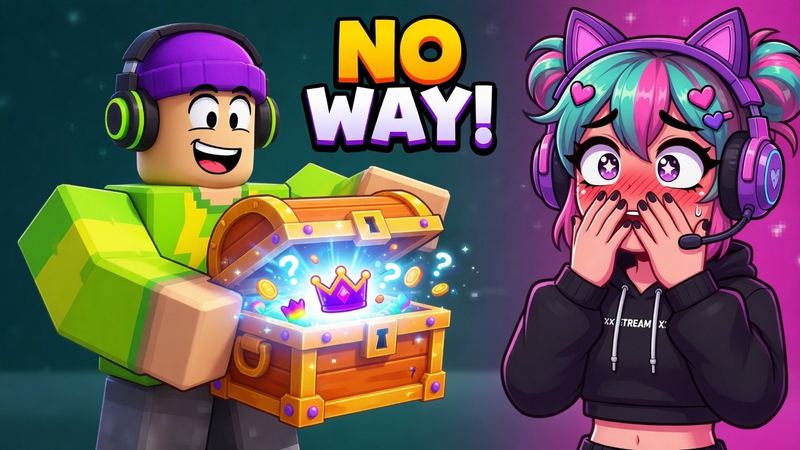
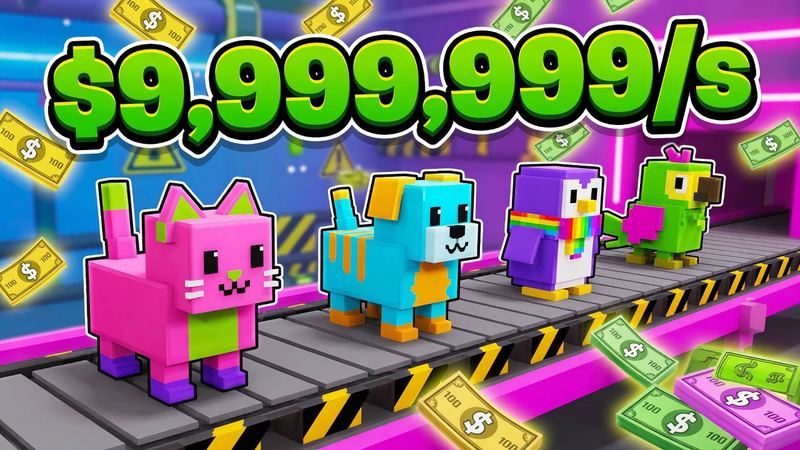
Roblox Thumbnail Generator
Free Roblox thumbnail generator: describe your scene or drop in a screenshot and get a click-worthy game cover, icon, avatar GFX or YouTube thumbnail in under a minute.
Start from a thumbnail that works
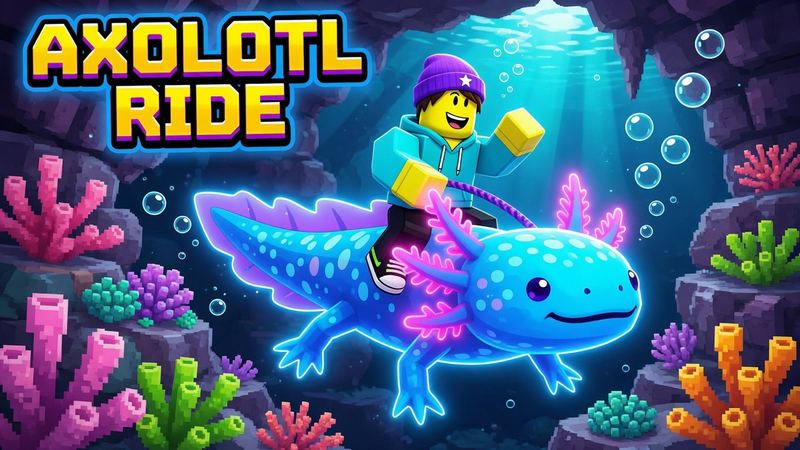
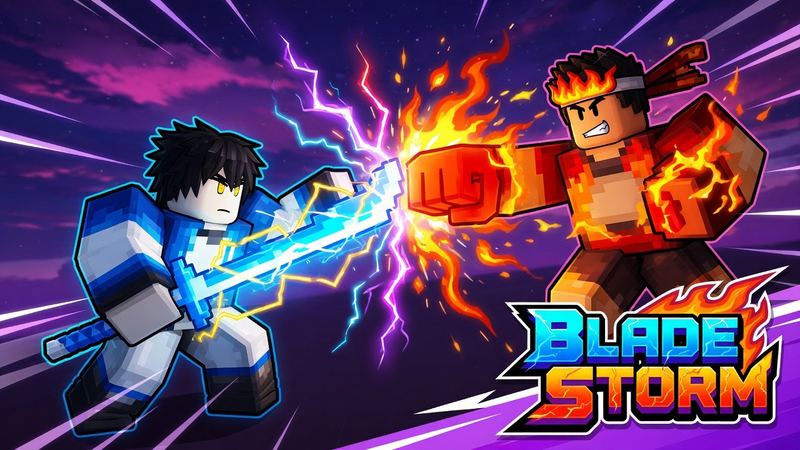
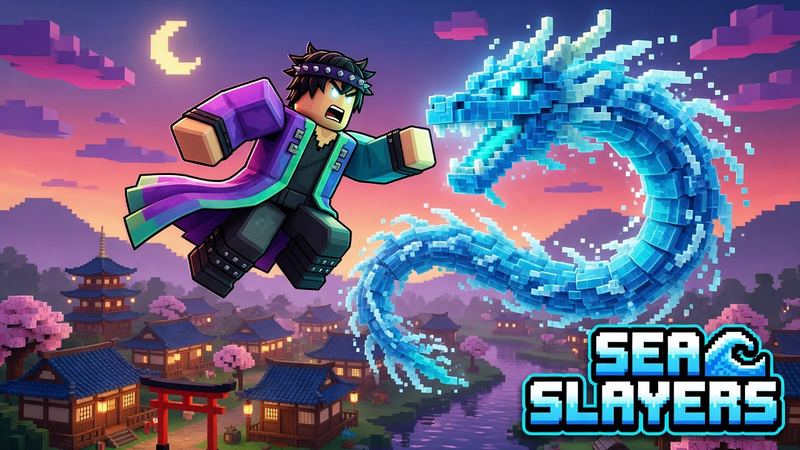
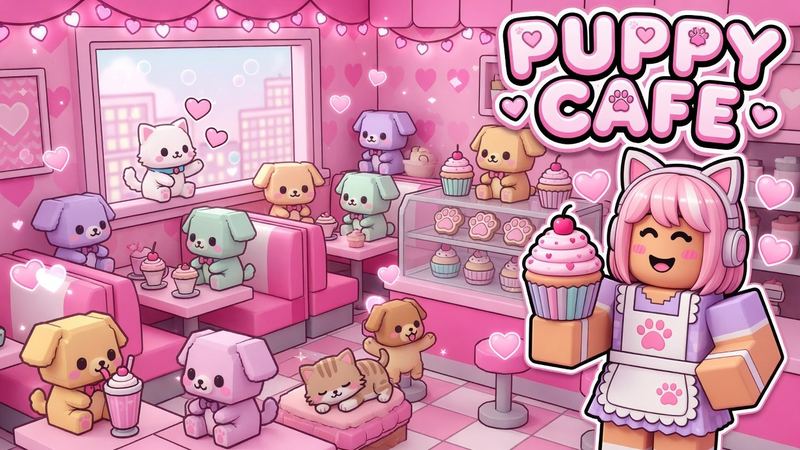
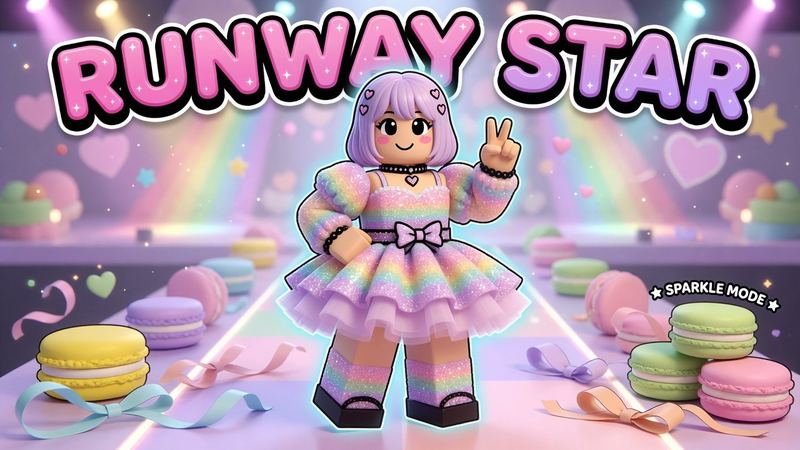
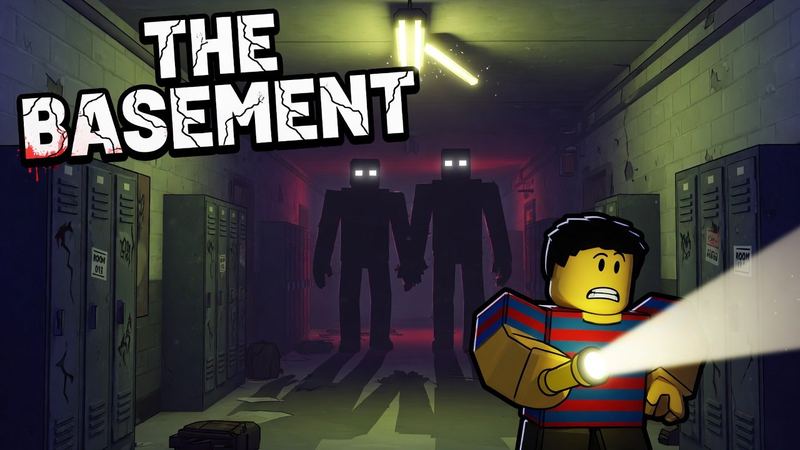
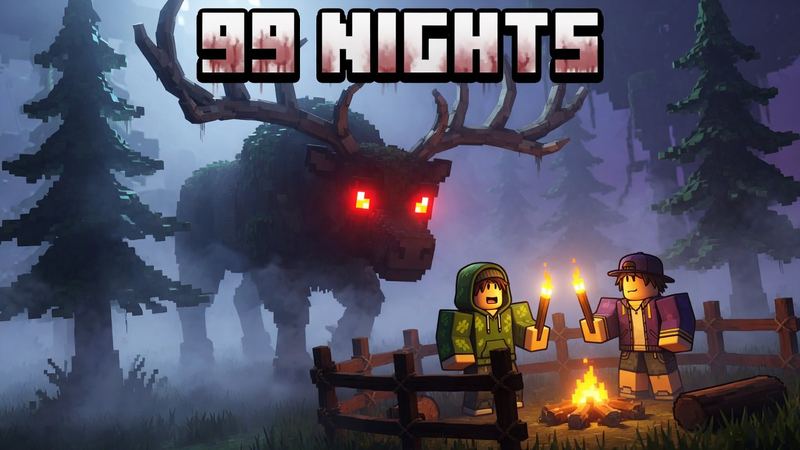
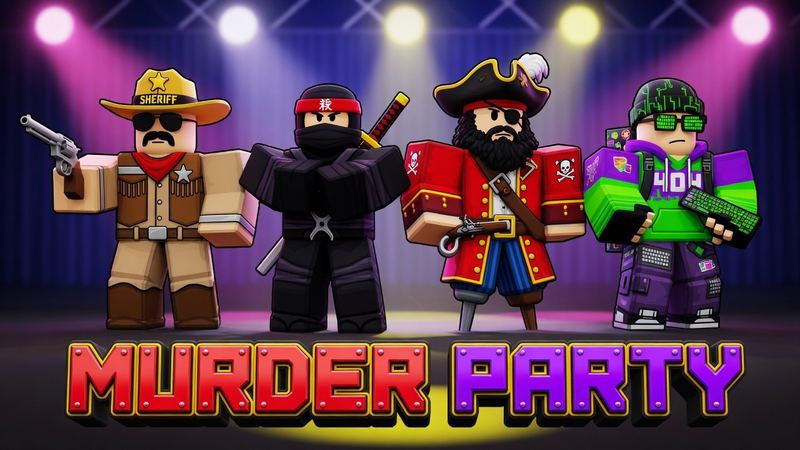
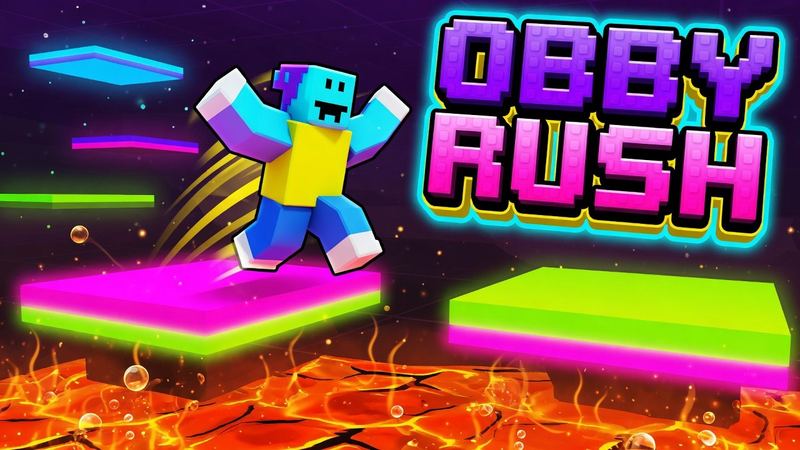
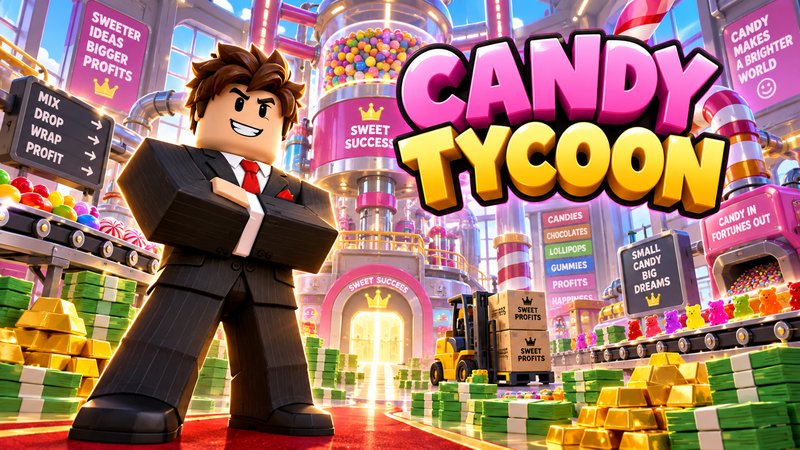
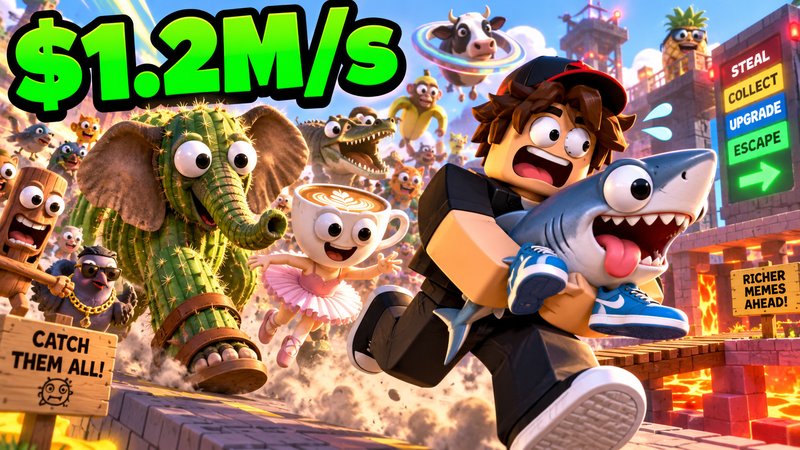
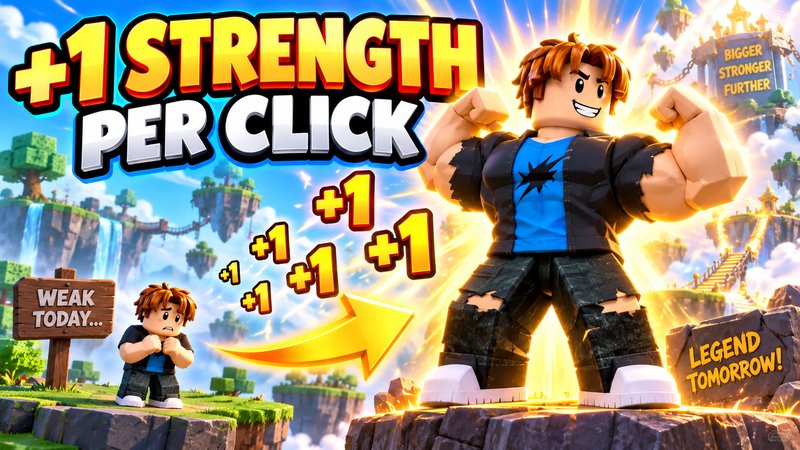
Every example below was made from a prompt like the ones you can write. Tap one to load its style and prompt into the generator, then make it yours.
Turn an image into a Roblox game thumbnail
Drop in a screenshot from your game. RoThumbnail keeps your map and characters, then adds the lighting, drama and title that make people click.
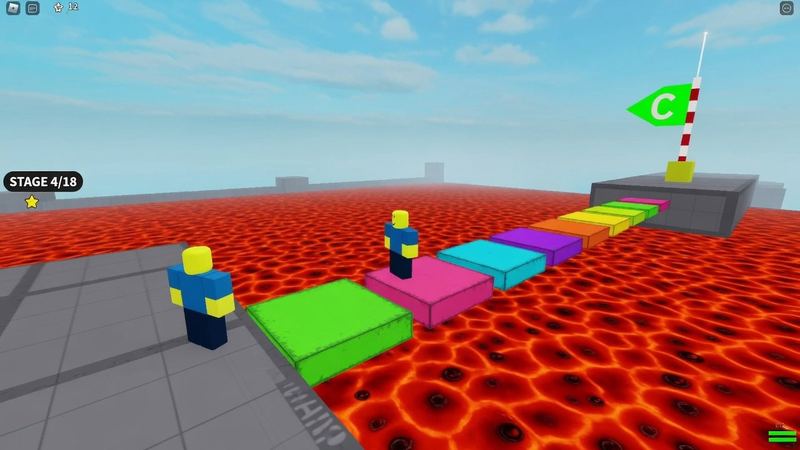
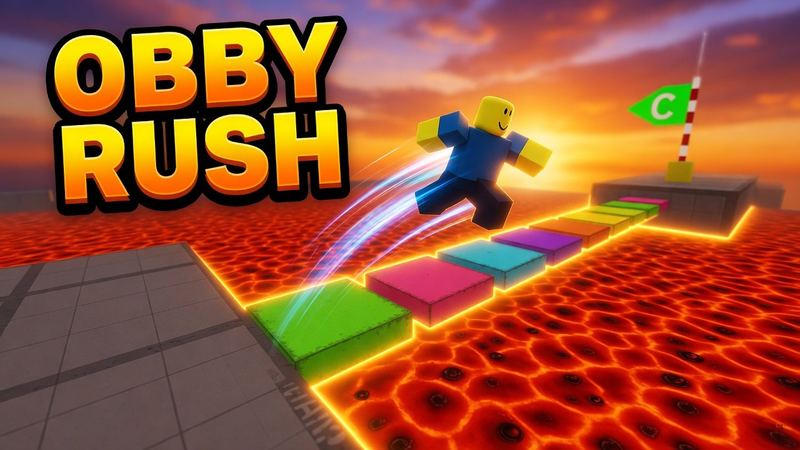
Everything you need in a Roblox thumbnail maker
Built for the places Roblox art lives: the game page, avatar profiles and YouTube.
Screenshot, avatar or face
Start from your own game, your avatar, or your face for reaction-style YouTube thumbnails.
Game, icon, GFX and YouTube
Switch between game covers, game icons, avatar GFX and YouTube thumbnails. Downloads come out at the exact size.
Styles from today’s top games
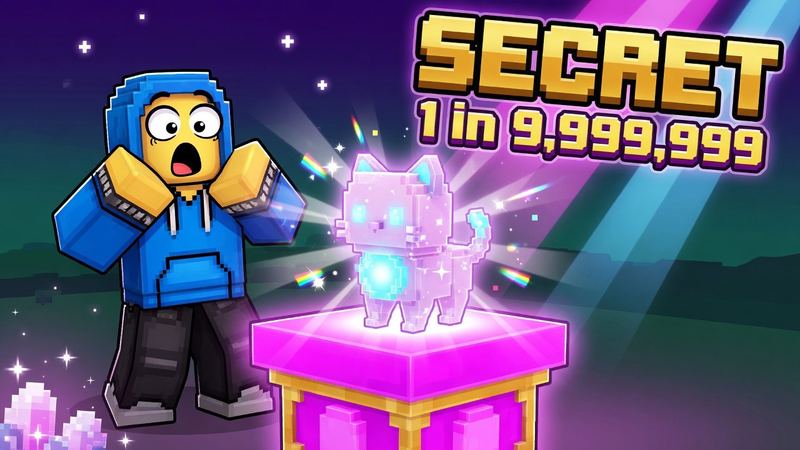
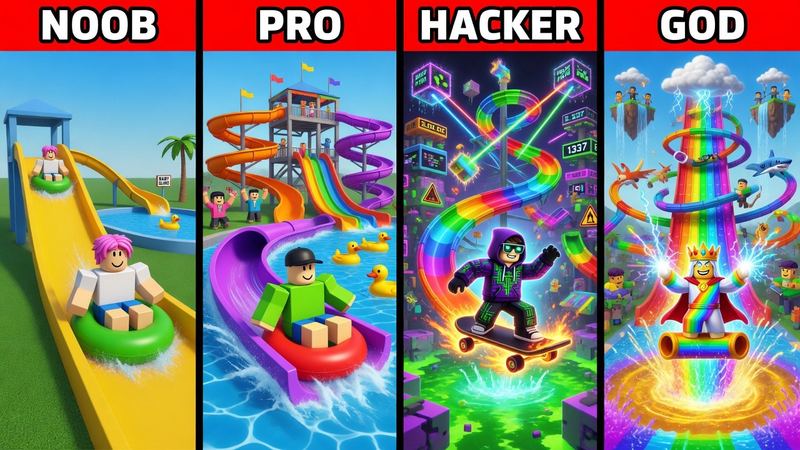
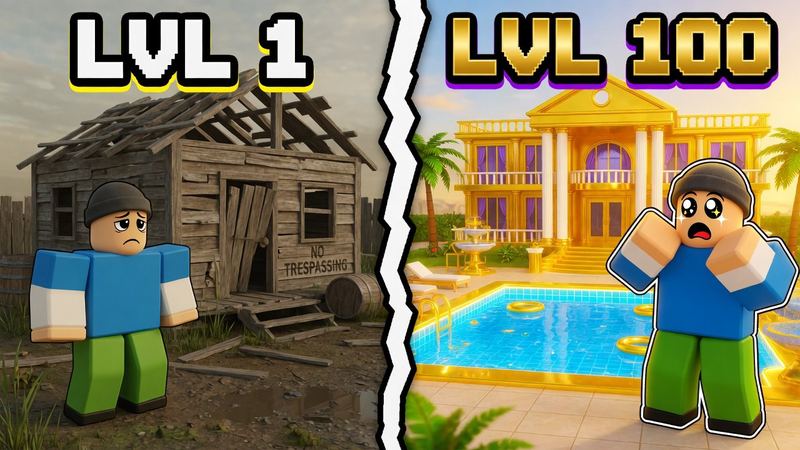
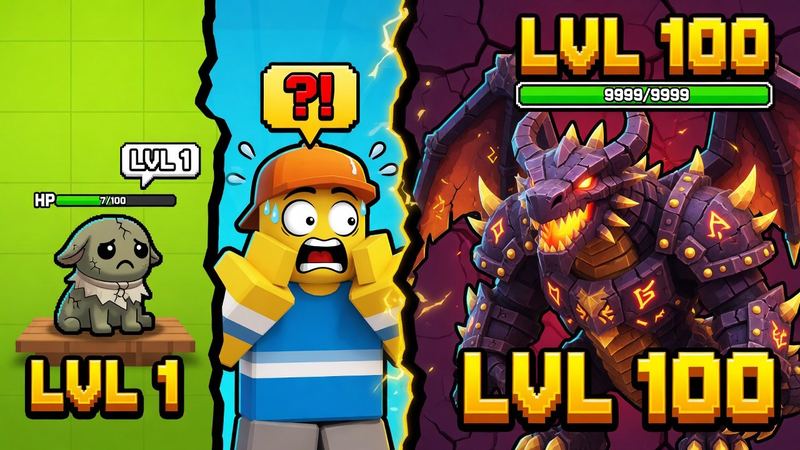
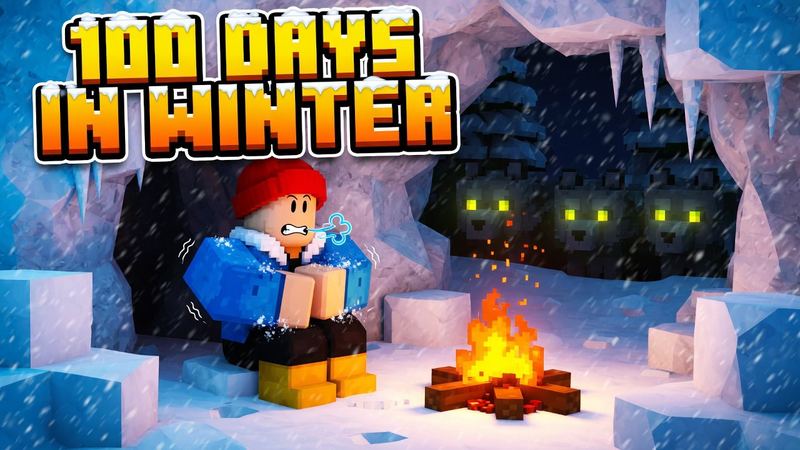
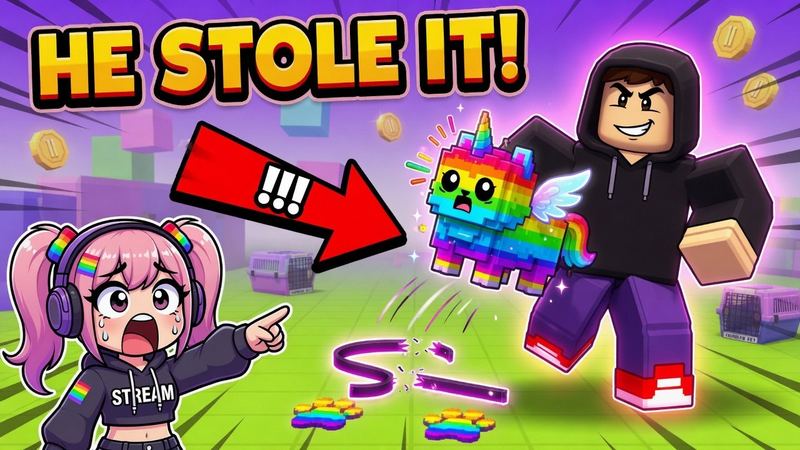
Pet reveals, rarity numbers, tycoons, brainrot, noob vs pro, day 100 and more, based on what top games and creators use.
Bold, outlined titles
Put your title in quotes and it’s drawn big, outlined and readable, even at phone size.
Your thumbnails, saved
Every thumbnail you make is kept in My thumbnails, and follows you when you sign in.
Failed runs are refunded
If a generation fails, the credit comes straight back. You only pay for thumbnails you get.
Made for game developers and YouTubers
Pick the page that fits what you’re making.
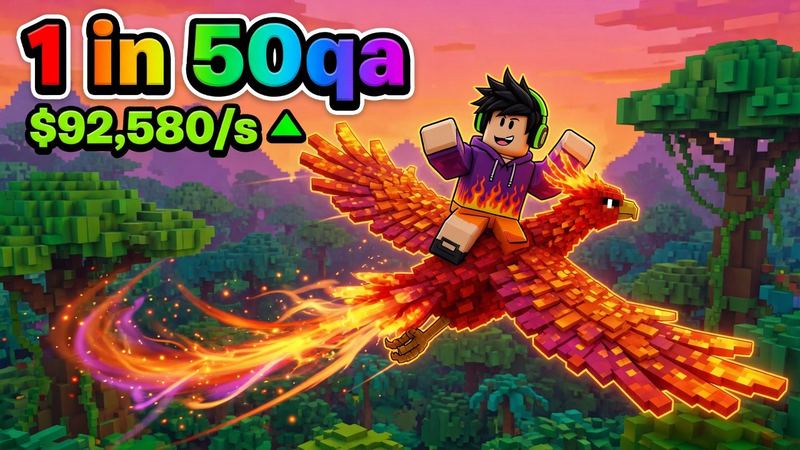
Roblox game thumbnail maker
Covers for your experience page that stand out in Discover and lift your click-through rate.
1920 × 1080 · Open the game maker →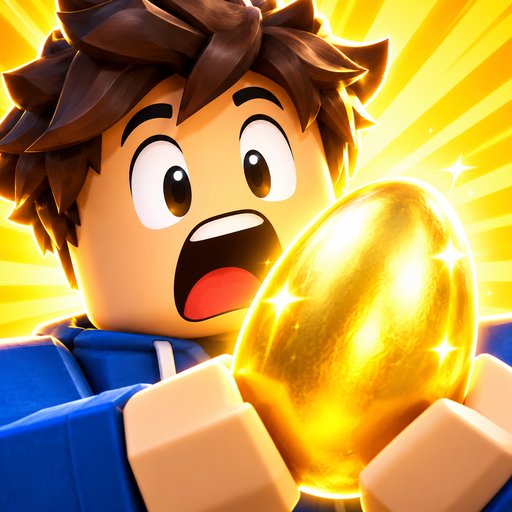
Roblox icon maker
Square game icons with one bold subject that still reads at 150×150.
512 × 512 · Open the icon maker →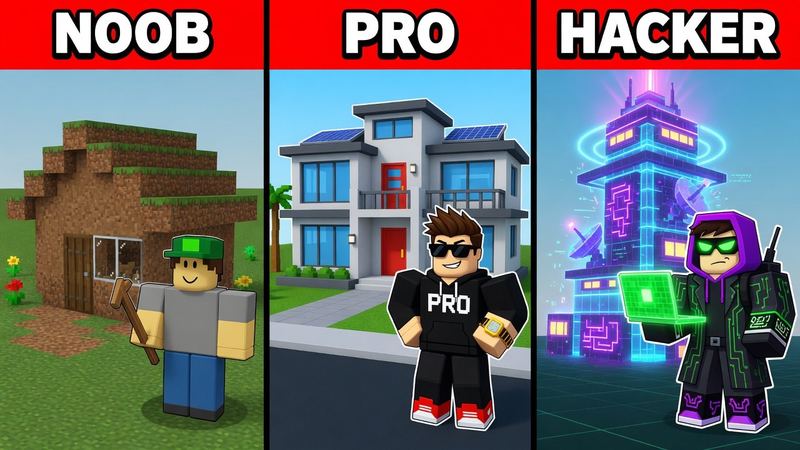
Roblox YouTube thumbnail maker
Noob vs pro, challenges, reactions and more for Roblox videos and live streams.
1280 × 720 · Open the YouTube maker →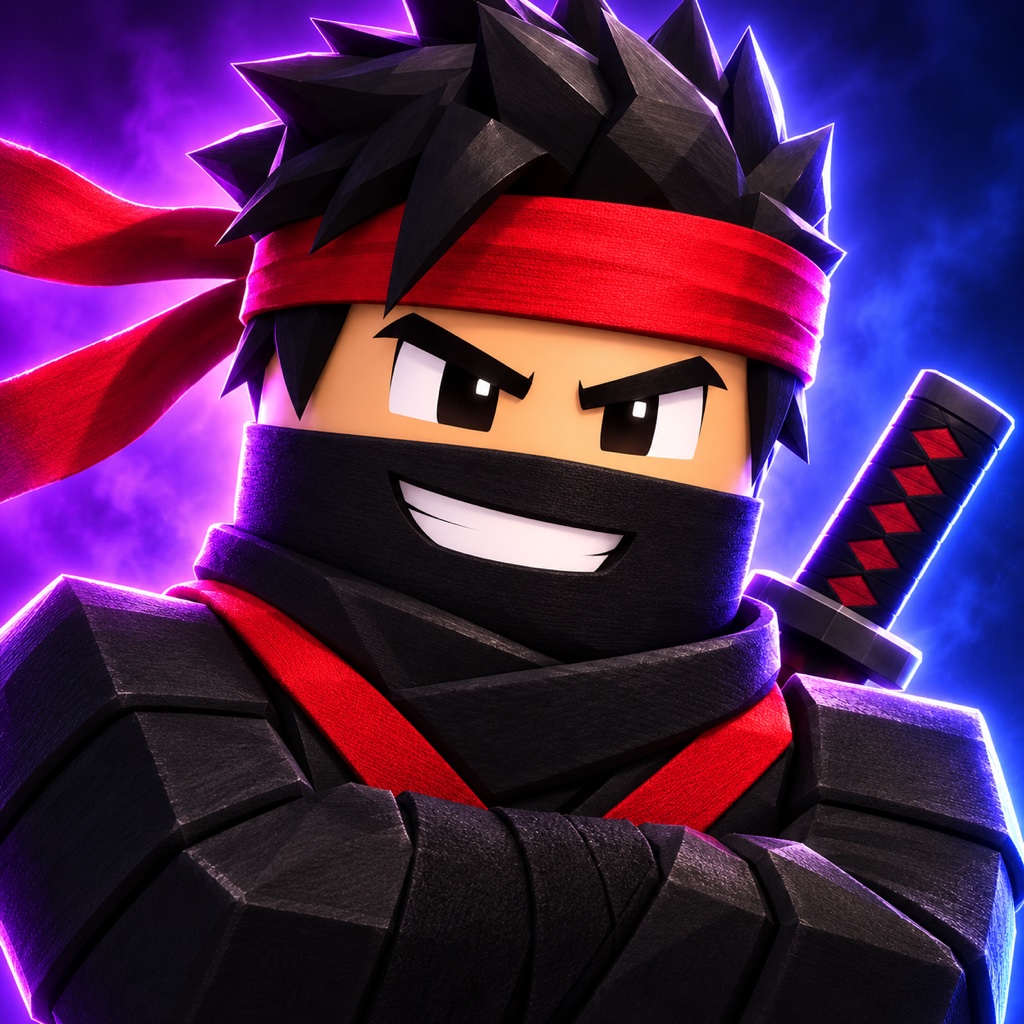
Roblox GFX maker
Avatar portraits, poses and backgrounds that use your screenshot as the identity reference.
1024 × 1024 · Open the GFX maker →How the Roblox thumbnail generator works
From screenshot to finished thumbnail in under a minute.
- 1
Describe or upload
Type the scene and title you want, or drop in a game screenshot or your avatar.
- 2
Pick the output
Choose where it will show and a style. We compose for that size.
- 3
Generate and download
Get a full-size PNG ready to upload. Not quite right? Tweak the prompt and go again.
Roblox thumbnail AI prompts that work
Every good prompt does three things: names one hero, says where it is, and puts the title in quotes. The style adds the composition and lighting. Tap one to load it with its style.
- Game: Pet + avatar
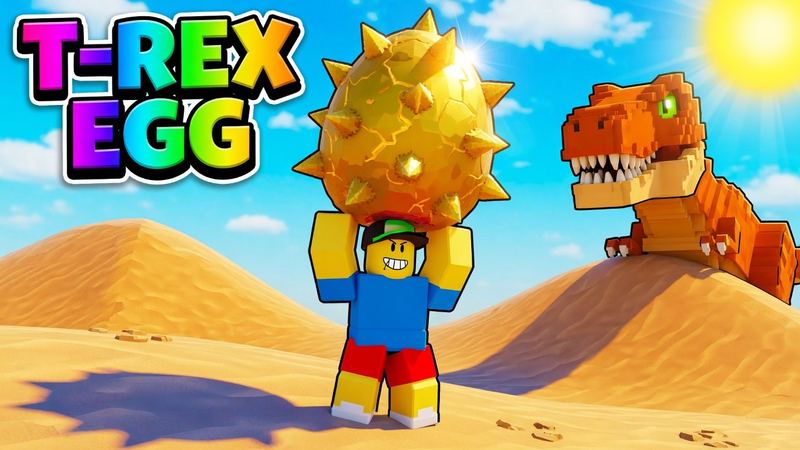
A small blocky avatar proudly lifting a giant spiky golden dinosaur egg over its head in a sunny desert, a big orange T-rex peeking from behind a dune. Title top-left in rainbow outlined letters: "T-REX EGG".
- Game: Tycoon
A proud blocky avatar in a suit in front of a huge colorful candy factory with conveyor belts, droppers and piles of cash and gold. Chunky 3D title: "CANDY TYCOON".
- Game: Horror
A dark school hallway lit by one flickering light, tall shadowy figures with glowing white eyes at the end, a scared blocky avatar holding a flashlight in the foreground. Cracked white title: "THE BASEMENT".
- Icon: Character close-up
A blocky avatar with a shocked face holding a glowing golden egg, yellow sunburst background.
- YouTube: Noob vs Pro vs Hacker
Three vertical panels, each with a red header bar and white bold labels "NOOB", "PRO", "HACKER". Panel 1: a tiny dirt hut; panel 2: a modern house; panel 3: a glowing futuristic tower. A matching blocky avatar stands in front of each.
- YouTube: Day N survival
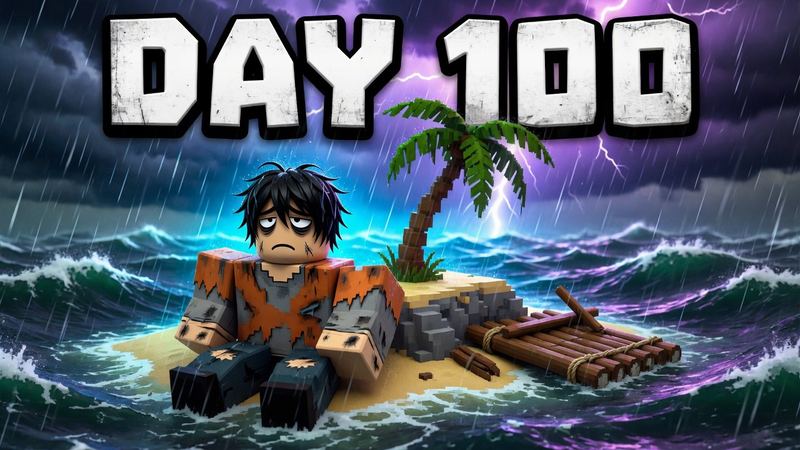
An exhausted blocky avatar with a tattered shirt sitting on a tiny island with one palm tree and a raft, stormy sea. Giant white outlined text: "DAY 100".
Roblox thumbnail sizes
The dimensions each place expects. Full details in the Roblox thumbnail size guide.
| Where it shows | Size | Ratio | We generate it |
|---|---|---|---|
| Roblox experience thumbnail | 1920 × 1080 | 16:9 | Yes |
| YouTube video thumbnail | 1280 × 720 (min 640 wide) | 16:9 | Yes |
| Roblox experience icon | 512 × 512 | 1:1 | Yes |
| Roblox avatar GFX / PFP | 1024 × 1024 | 1:1 | Yes |
Simple pricing
1 credit = 1 thumbnail. Try it free, upgrade when you make thumbnails every week.
Free
$0
- 1 free credit, no sign-up
- 1 free credit a month with Google sign-in
- Full-size download
Credit pack
$4.99 once
- 30 credits, no subscription
- $0.17 per thumbnail
- Valid for 12 months
5 tips for a Roblox thumbnail people click
What the most-played games and biggest Roblox channels have in common.
- One hero, big. A single character, pet or monster filling a third of the frame beats a busy scene.
- Three words or fewer. Titles like “DAY 100” or “1 in 50Qa” read at phone size; sentences don’t.
- Outline everything. Thick black outlines keep text and characters readable on any background.
- Show a number or a contrast. Rarity odds, money per second, or noob vs pro tell the story instantly.
- Match the genre’s colors. Bright and saturated for simulators, pastel for roleplay, dark for horror.
Questions
Is this Roblox thumbnail generator free?
Your first thumbnail is free with no account. Sign in with Google to get 1 free every month. Need more? Pick a plan or a credit pack.
Do I need an account?
No. Generate and download your first thumbnail right away. Signing in keeps your thumbnails and moves them to your account.
What size is a Roblox thumbnail?
Roblox game thumbnails are 1920×1080 (16:9) and game icons are 512×512. RoThumbnail also makes 1024×1024 avatar GFX and 1280×720 YouTube thumbnails.
Can I turn an image into a Roblox game thumbnail?
Yes. Add up to two PNG, JPG or WebP images of up to 10 MB each (a game screenshot, your avatar or your face) and they become the base of your thumbnail or game cover. We only keep the thumbnails you generate, not the images you upload.
What AI do people use to make Roblox thumbnails?
Many creators use general image tools like ChatGPT or Midjourney, then resize the result and fix the text by hand. RoThumbnail is built for Roblox game covers, icons, avatar GFX and YouTube thumbnails, with presets and exact-size downloads.
What is a good prompt for a Roblox thumbnail?
Name one hero, say where it is, and put the title in quotes. For example: a small blocky avatar lifting a giant golden dinosaur egg in a sunny desert, title "T-REX EGG". Then pick a style; it sets the composition, lighting and text treatment for you.
What if a generation fails?
You get the credit back automatically. Requests blocked by our content filter are the exception and still use their credits.
Can I use the thumbnails on Roblox and YouTube?
Yes. Upload what you make to your Roblox experience page or your YouTube channel.
Who owns the thumbnails I make?
You do. You can use them for personal and commercial purposes, including on Roblox and YouTube. AI can give similar results to different people, so a thumbnail isn’t guaranteed to be unique.
Can I upload someone else’s photo, art or the Roblox logo?
Only with permission. Upload your own screenshots, your own avatar and your own face, or a photo of someone who agreed to it. Leave out other creators’ art and characters and official Roblox logos and brand marks.
Do you keep my uploads or train AI on them?
No. Uploads are resized in your browser, sent to our AI provider to make your thumbnail, and not stored by us afterwards. We don’t use your prompts, uploads or thumbnails to train AI models.
How long does it take?
Usually under a minute per thumbnail, or 1 to 2 minutes for 4K.
Is RoThumbnail made by Roblox?
No. RoThumbnail is an independent Roblox thumbnail maker and is not affiliated with or endorsed by Roblox Corporation.
Your next thumbnail is a minute away
First one’s free. No sign-up.
Make a thumbnail