Roblox Gamepass Icon Maker
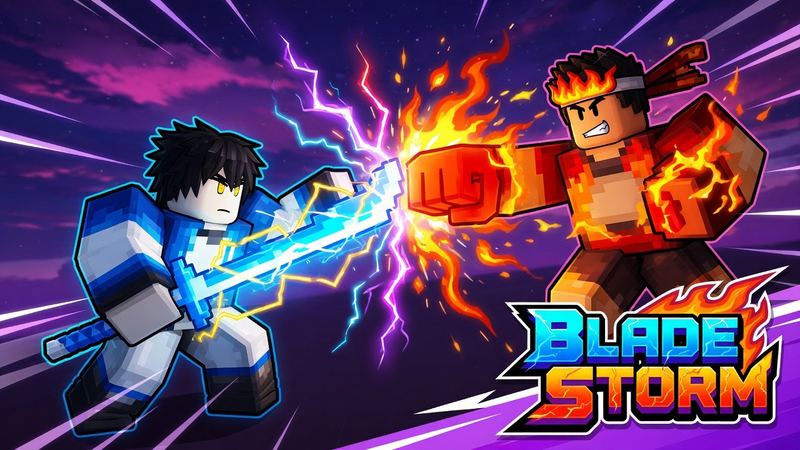
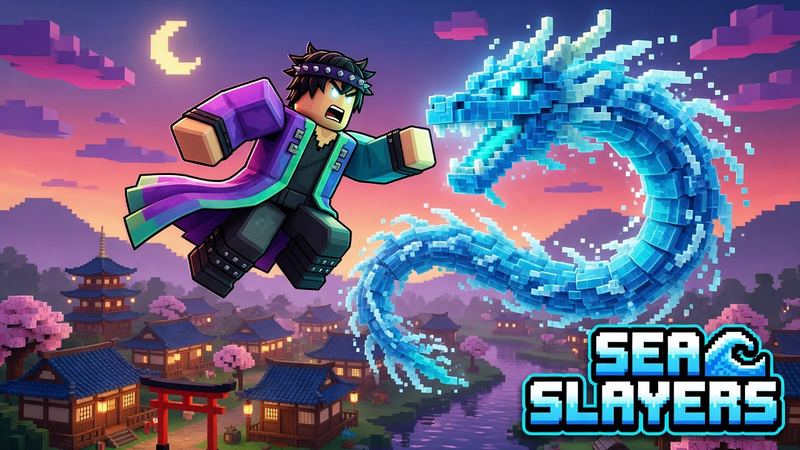
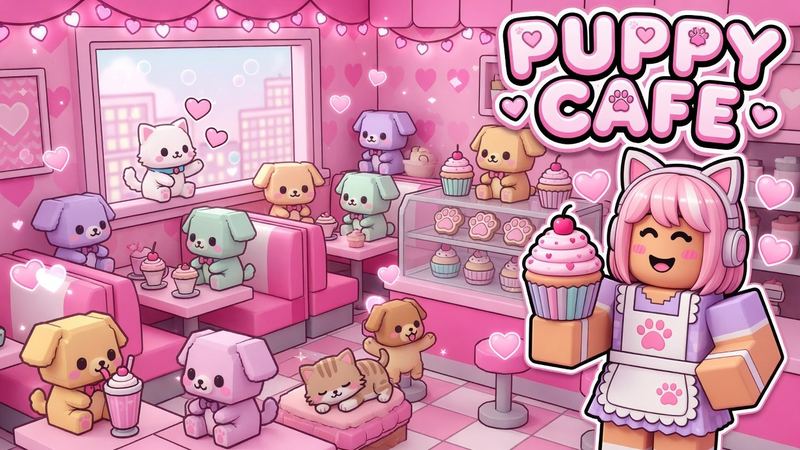
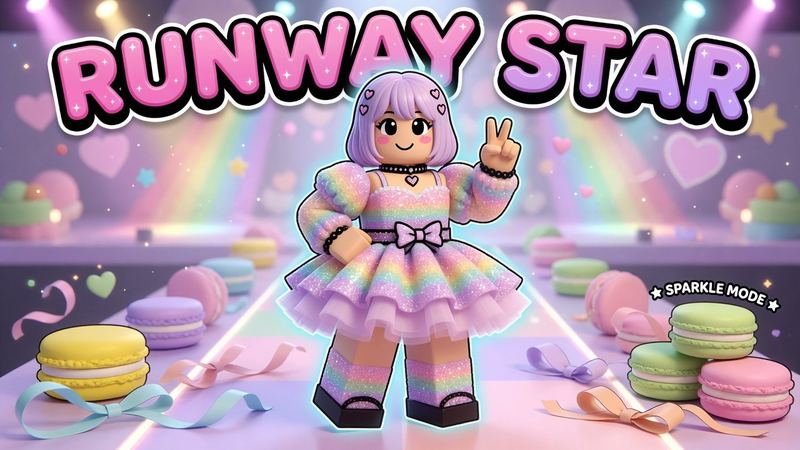
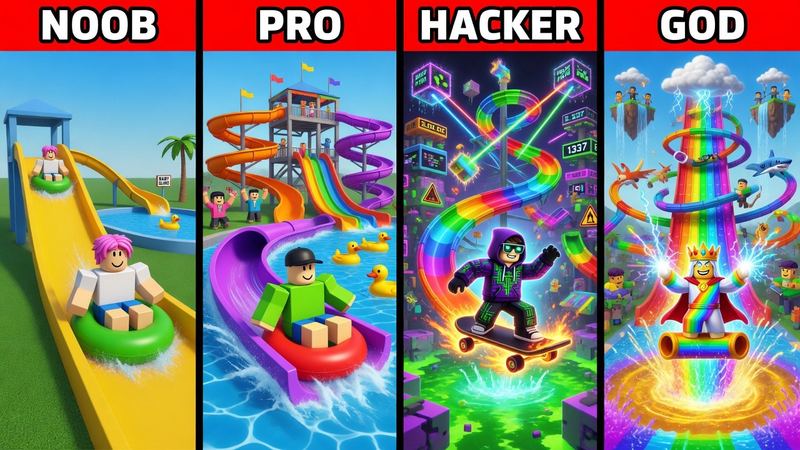
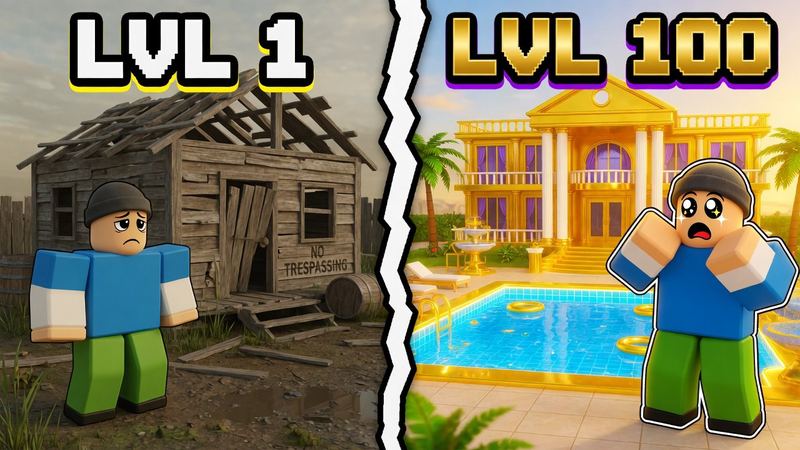
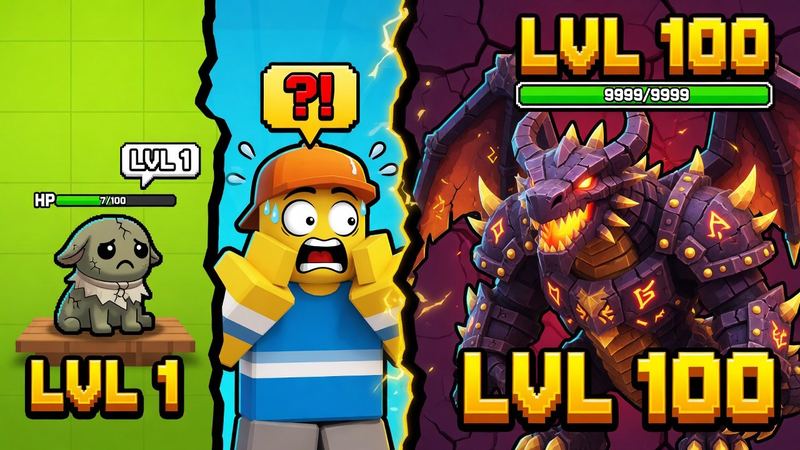
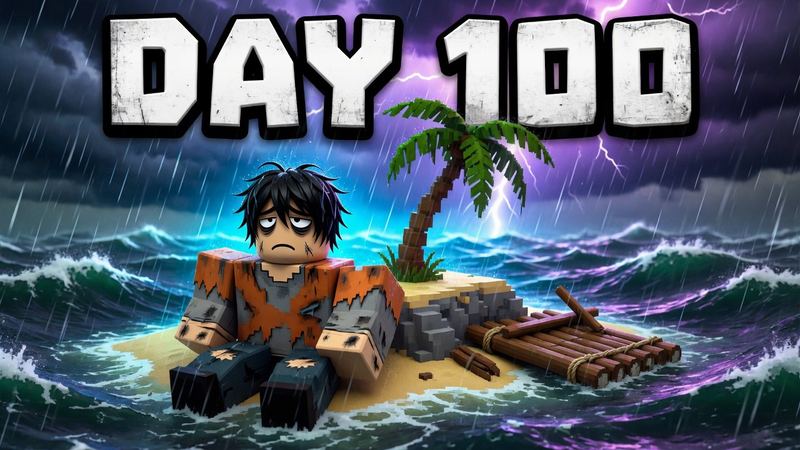
This Roblox gamepass icon maker designs pass icons with AI. Describe the perk, pick VIP, 2x boost or item, and download a 512×512 PNG that fits Roblox’s circle.
How to make a Roblox gamepass icon
Five steps with the gamepass icon generator, about a minute.
- 1Describe the pass. Say what it gives and the item that shows it, for example “2x coins pass with a stack of gold coins”.
- 2Pick a gamepass style. VIP, 2x boost or item. Add a screenshot to keep your game’s characters and look.
- 3Generate and check the circle. The item should fill the middle with nothing important in the corners.
- 4Download the 512×512 PNG. That is the largest size Roblox wants for a pass icon.
- 5Create the pass in Roblox. Creator Dashboard → your game → Monetization → Passes → Create pass, then upload the icon, add a name and description and finish.
New to passes? Read how to make a gamepass on Roblox.
Roblox gamepass icon ideas
The best pass icons say what you get before anyone reads the name.

VIP
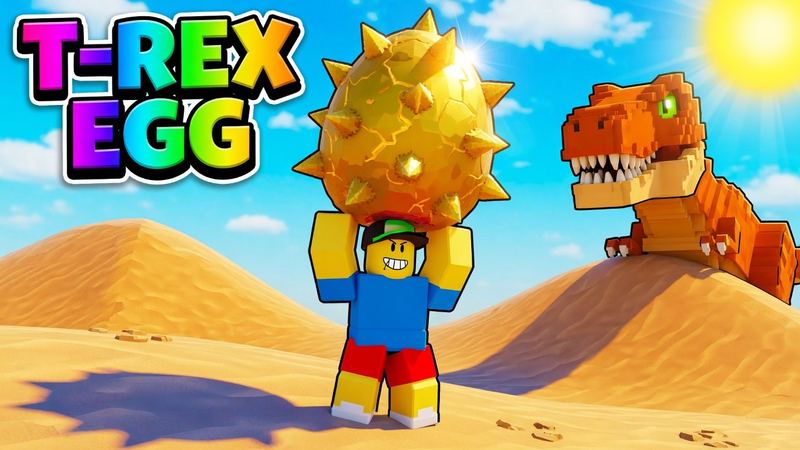
A gold crown or VIP emblem on purple and gold. Players recognize it instantly.
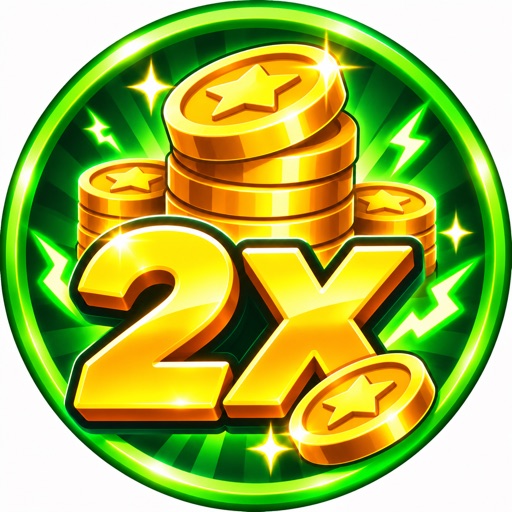
2x coins, gems or luck
A huge outlined “2X” next to the currency it boosts. The number sells it.
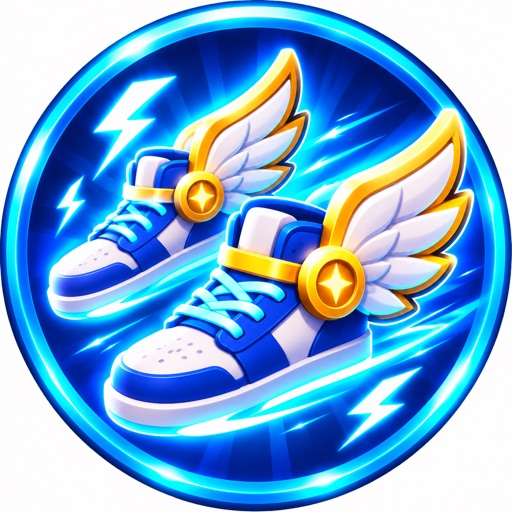
Speed or jump
Shoes, a coil or an avatar with motion streaks, in electric blue or green.
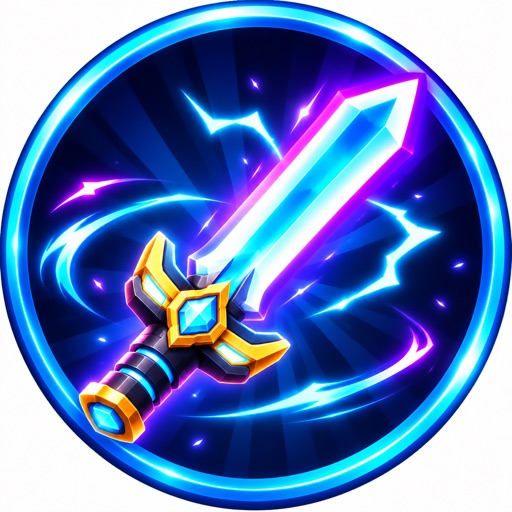
Item or tool
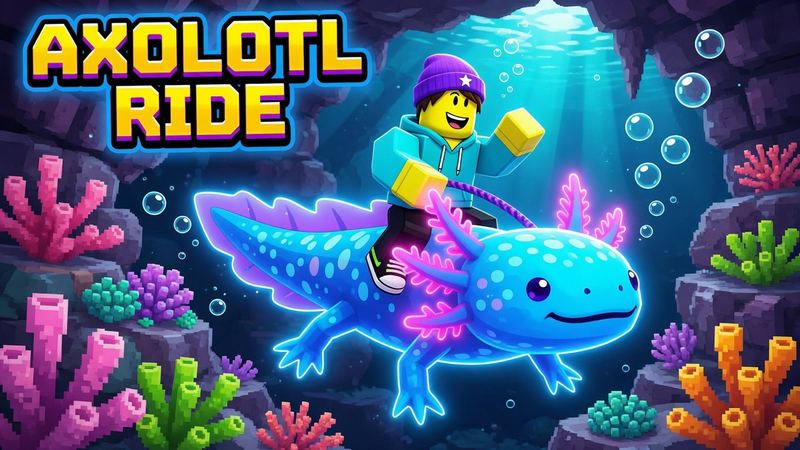
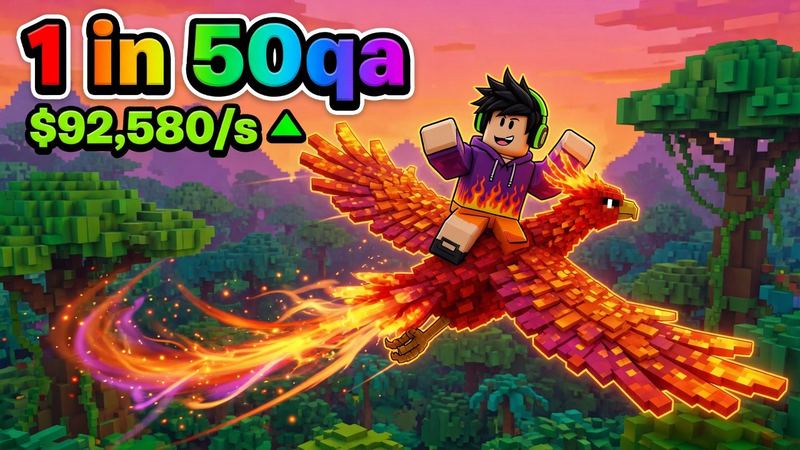
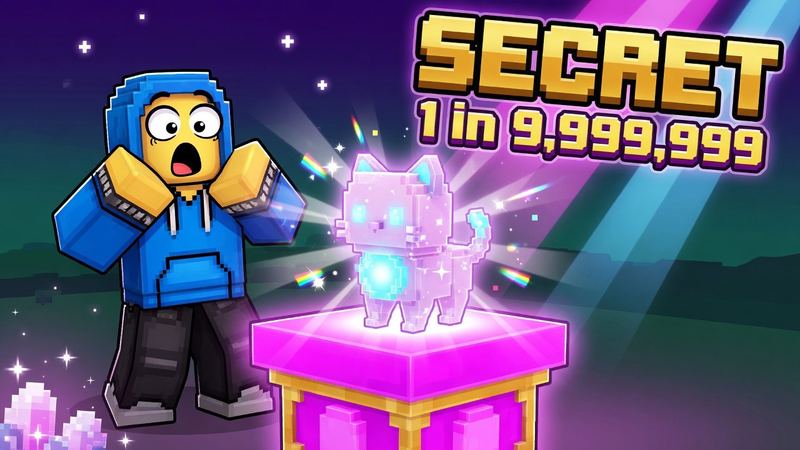
The weapon, pet, vehicle or radio the pass unlocks, big and at an angle.
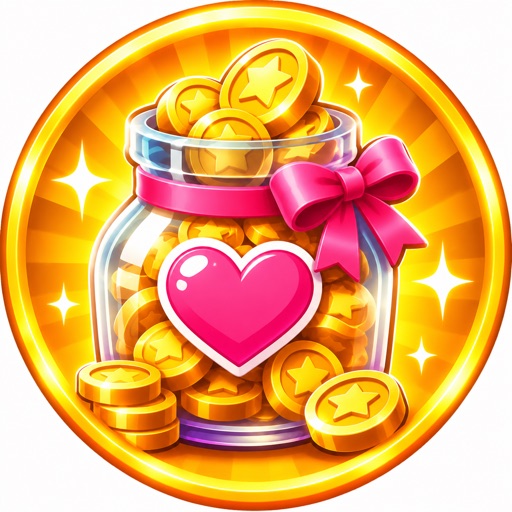
Donation
A heart, a Robux pile or a tip jar with a friendly color, for PLS DONATE stands and tip passes.
Roblox gamepass icon size and template
From Roblox’s Passes docs. Already have art? Crop it here. Game icon and badge sizes are in the Roblox icon size guide.
- Size
- Up to 512 × 512 px
- Shape
- Shown as a circle
- Formats
- JPG, PNG or BMP
- Where
- Creator Dashboard → Monetization → Passes
Center-cropped to fill the size; Roblox shows only the circle. Your image never leaves your browser.
Rewarding players instead? Use the Roblox badge maker.
Questions
Is this Roblox gamepass icon maker free?
Your first icon is free with no account, and Google sign-in gives you 1 free every month. After that an icon costs 1 credit.
What size is a Roblox gamepass icon?
No larger than 512×512 pixels, as a JPG, PNG or BMP. The gamepass icon maker downloads exactly 512×512.
Why does my gamepass icon look cut off?
Roblox shows passes as a circle, so anything near the corners disappears. Keep the main item or text inside a centered circle; the resizer on this page shows the crop.
What background should a gamepass icon have?
A simple, bright background that contrasts with the item, like a color burst behind a gold crown. Busy scenes turn into noise at small sizes.
Can I use these icons for PLS DONATE passes?
Yes. A donation pass is a normal pass in a game you own, so any 512×512 pass icon works.
How do I upload a gamepass icon?
In the Creator Dashboard, open your game, go to Monetization → Passes, click Create pass and upload the icon. The full steps are in our guide on how to make a gamepass on Roblox.
Your next thumbnail is a minute away
First one’s free. No sign-up.
Make a thumbnail