How to Make Roblox Thumbnails
The short version
- Capture a screenshot of your game in Roblox Studio.
- Pick one idea: a hero pet, a number, a versus, a challenge.
- Add a big, outlined title of three words or fewer, up top.
- Export at 1920 × 1080 (16:9).
- Upload in the Creator Dashboard and test 2–5 versions.
1. Capture a screenshot of your game
The best thumbnails start from your real game, and Roblox wants thumbnails to show what players will actually find when they join.
- Start a solo playtest in Roblox Studio and press Left Shift + P to toggle free camera mode. It lets you reach cinematic angles the normal camera can’t.
- Hide your game’s on-screen UI so the shot is clean, and make the window wide so the capture is close to 16:9.
- Capture with your system tool: Win + Shift + S on Windows, Cmd + Shift + 4 on Mac.
2. Pick one idea
At thumbnail size, one clear idea beats a busy scene. The formats that work for top Roblox games and channels:
- A giant pet, egg or monster with a small avatar, for simulators and pet games.
- A rarity or money number as the headline (“1 in 50Qa”, “$92,580/s”).
- Noob vs Pro vs Hacker panels or Level 1 vs Level 100 splits, for YouTube.
- A dark scene with glowing eyes for horror, soft pastels for roleplay and fashion games.
3. Compose it and add the title
- Make the subject big: it should fill about a third of the frame.
- Three words or fewer, in a chunky font with a thick black outline so it reads on a phone.
- Keep the bottom clear. On Roblox, details like the player count can cover the bottom edge, so put titles in the top half.
- Match your genre’s colors: bright and saturated for simulators, pastel for roleplay, dark and high-contrast for horror.
- No promo claims like “50% off” or “Free UGC”. Roblox moderates every thumbnail.
Skip the editing: make it in a minute
Steps 2–4 in one go: drop in your screenshot, pick a style, add a title in quotes, and RoThumbnail does the composition, lighting and text. First one free.
Make a thumbnail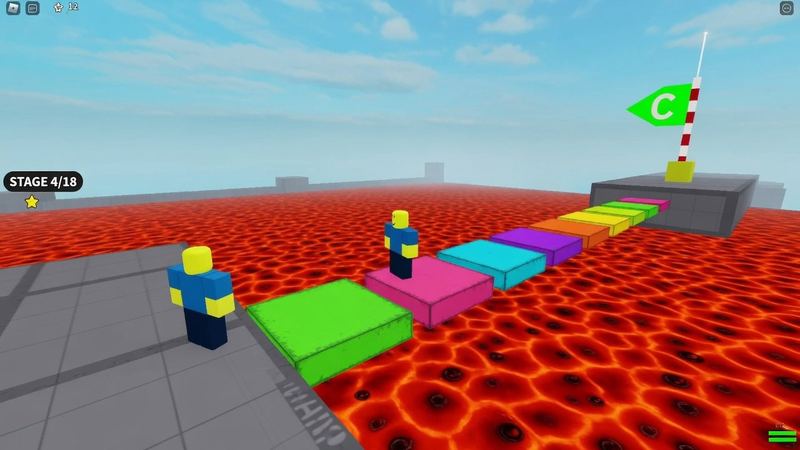
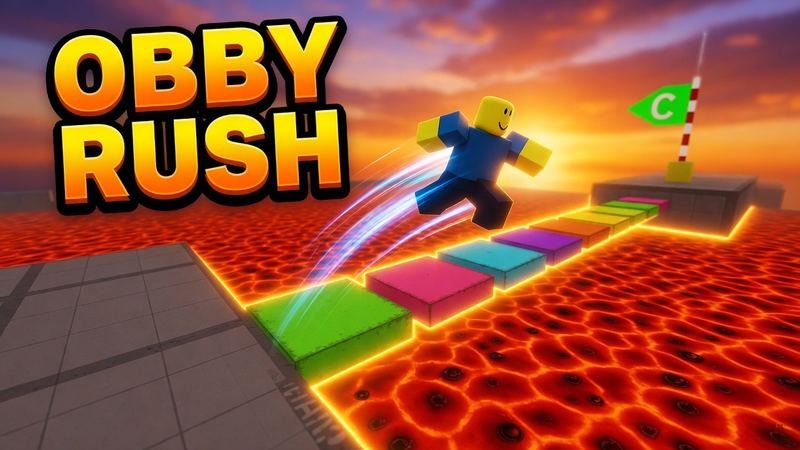
4. Export at the right size
Save game thumbnails at 1920 × 1080 (16:9) and game icons at 512 × 512. For YouTube, any 16:9 image at least 640 px wide works; 1280 × 720 is the common size. The Roblox thumbnail size guide has every dimension and file limit.
5. Upload it and test a few versions
- Open the Creator Dashboard and select your game.
- Go to Configure → Places and select a place.
- Click Thumbnails, then upload on the Experience Detail Page and Home Page tabs.
- On the Home Page tab, activate 2 to 5 thumbnails. Roblox shows each to different players and gives more impressions to the winner. In Roblox’s tests this raised qualified plays by 8.5% on average.
Making Roblox YouTube thumbnails
The same steps apply, with two differences: YouTube thumbnails lean on your reaction (add your face in a corner), and the title does more of the work (“DAY 100”, “NOOB VS PRO”). The Roblox YouTube thumbnail maker has presets for each format, and the Roblox game thumbnail maker is tuned for game covers.