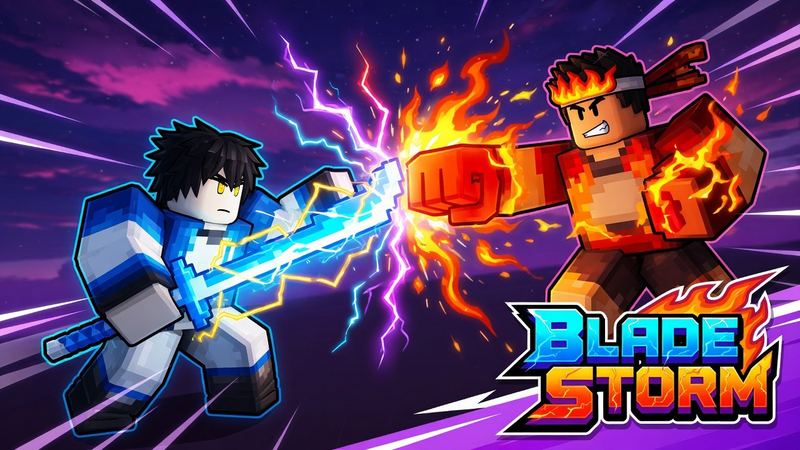
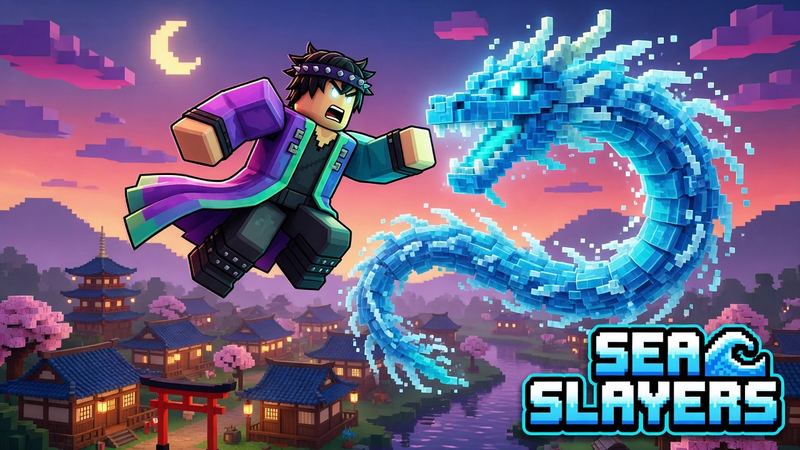

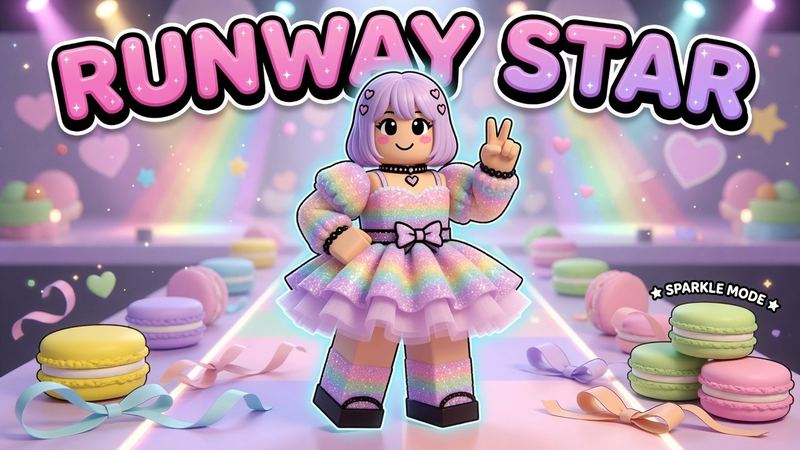
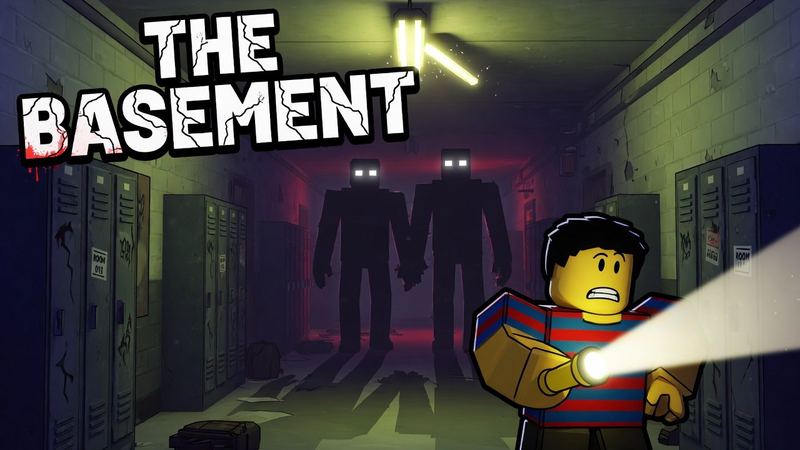
Roblox YouTube Thumbnail Maker
Noob vs pro, day 100, reaction faces and more. Describe your video or drop in a screenshot and your face, and get a Roblox thumbnail built for clicks.
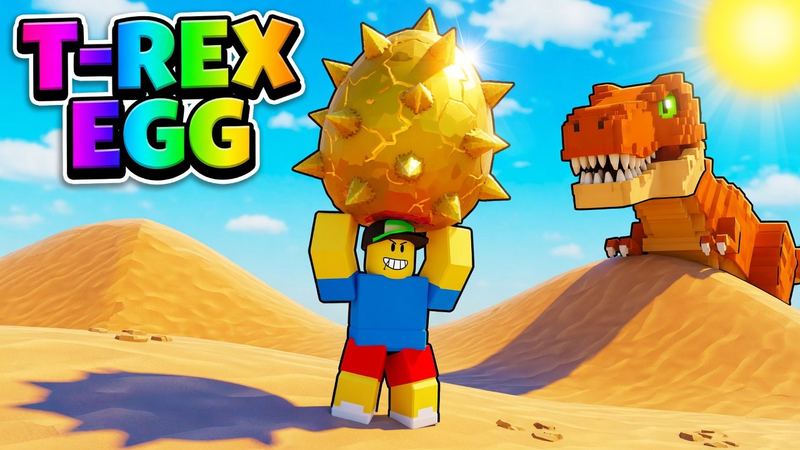
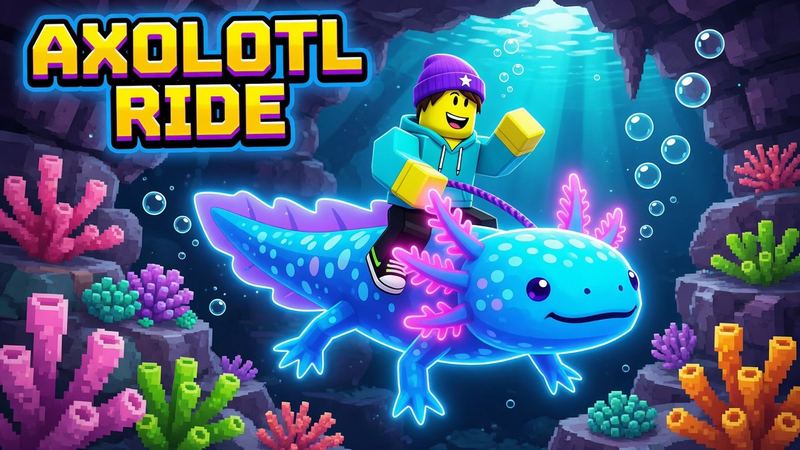
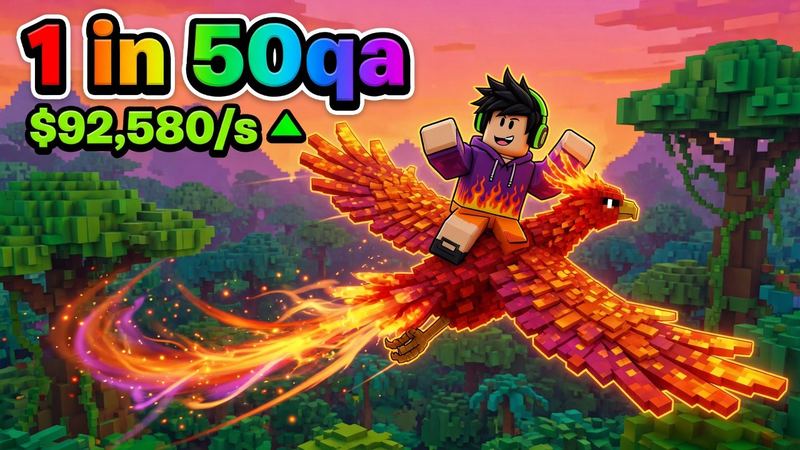
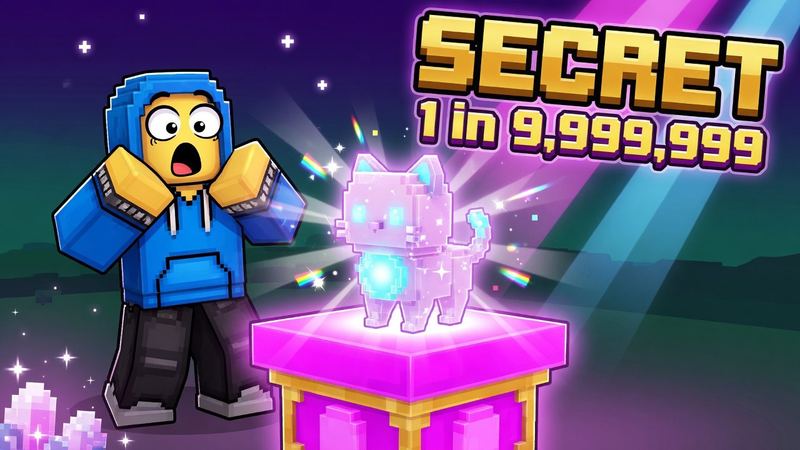
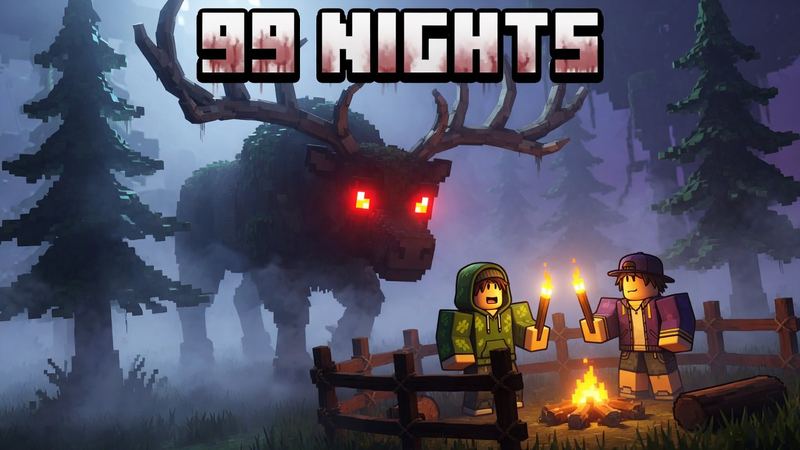
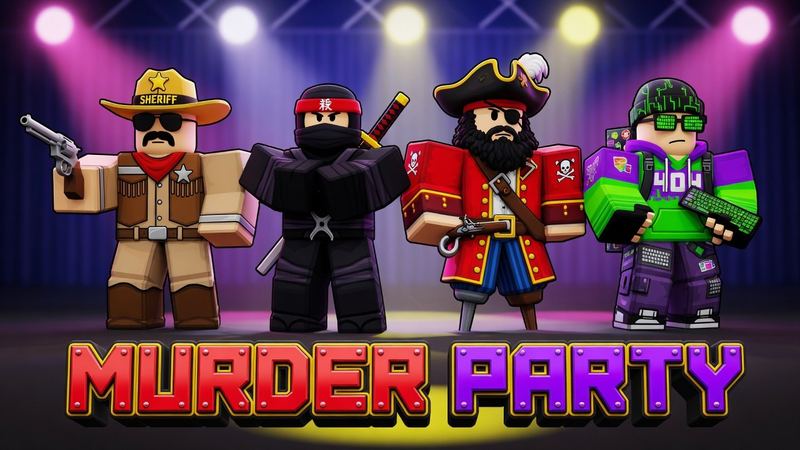
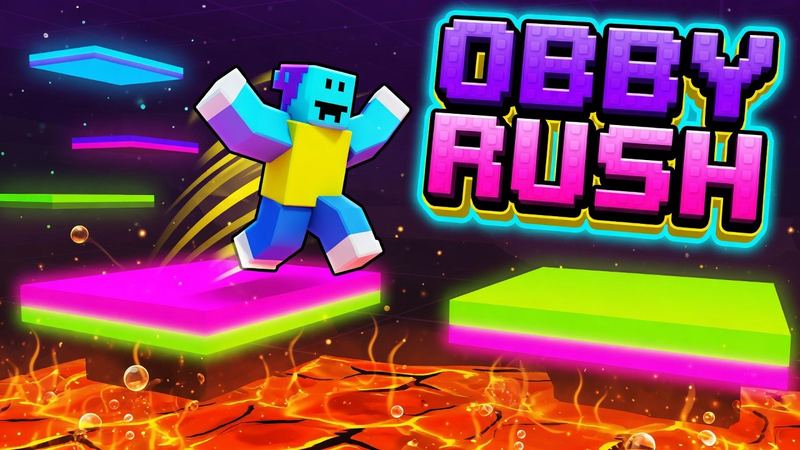
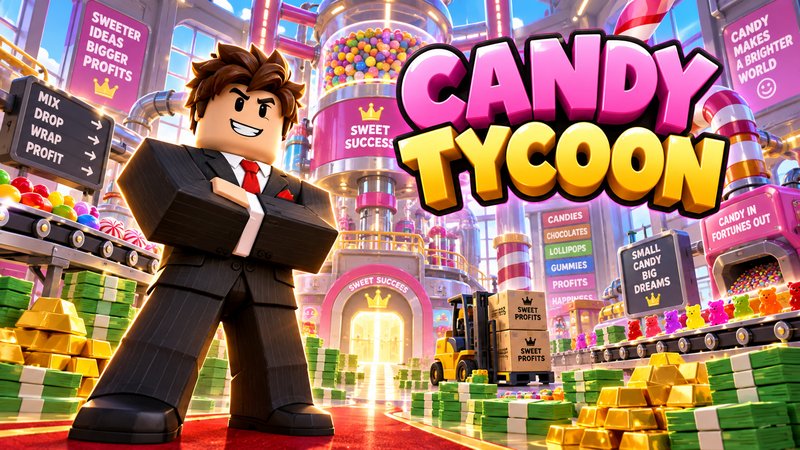
Made with the Roblox YouTube thumbnail maker
Tap one to load its style and prompt, then change the title to your video’s.
The styles top Roblox channels use
Each one is a preset in the generator, built from what the biggest Roblox videos actually do.
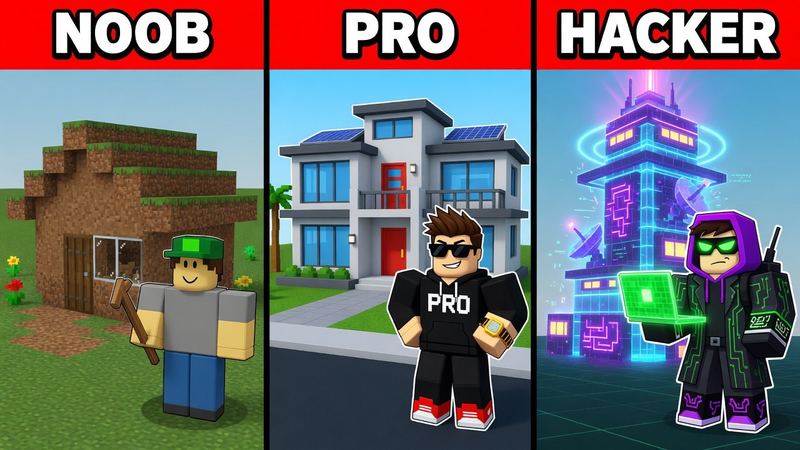
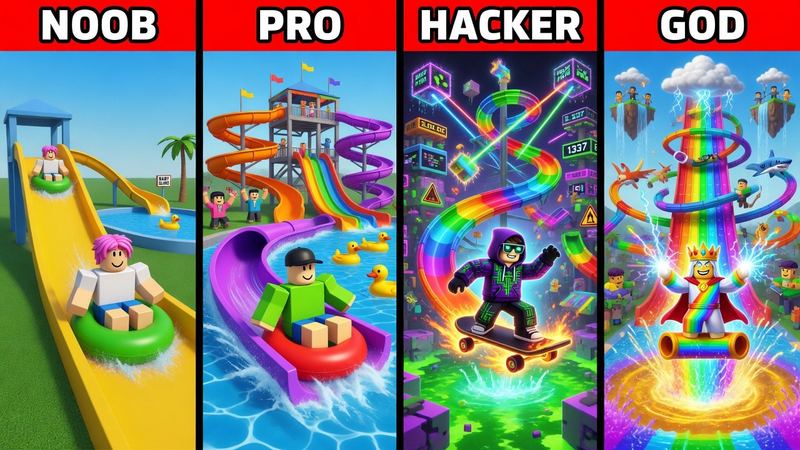
Noob vs Pro vs Hacker
Three or four panels with red header bars, each a bigger version of the same build. The most-used Roblox thumbnail format.
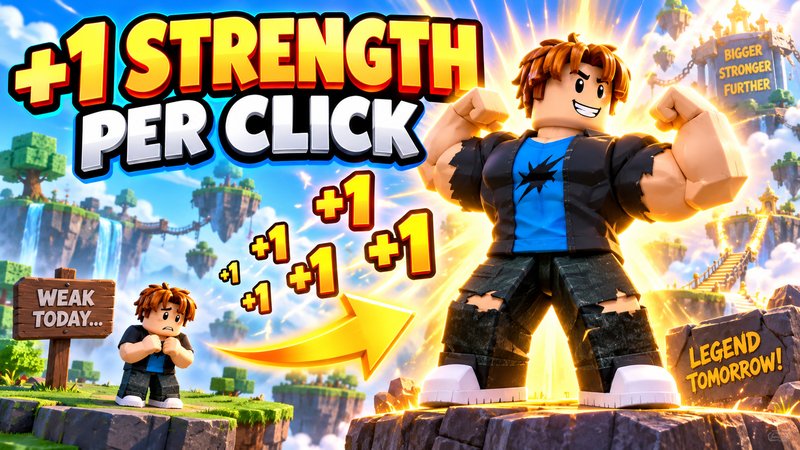
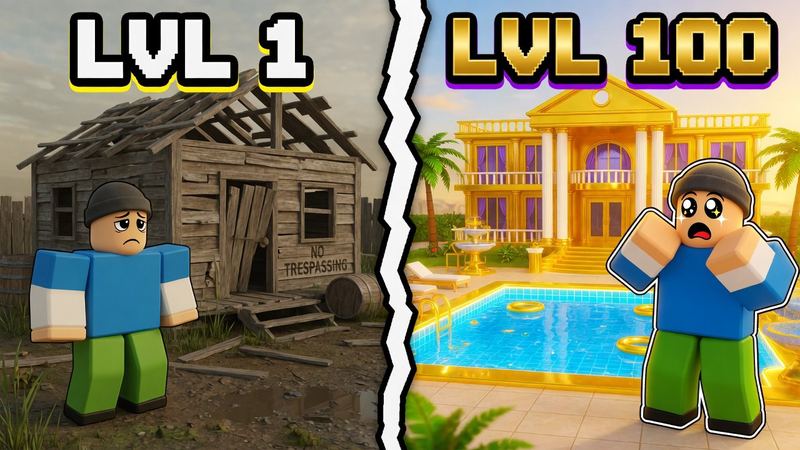
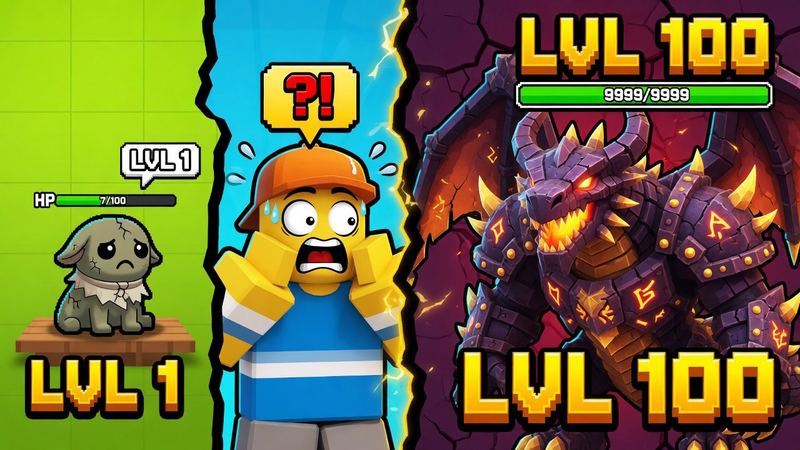
Level 1 vs Level 100
A before/after split: the weak version next to the maxed-out one, with your avatar amazed.
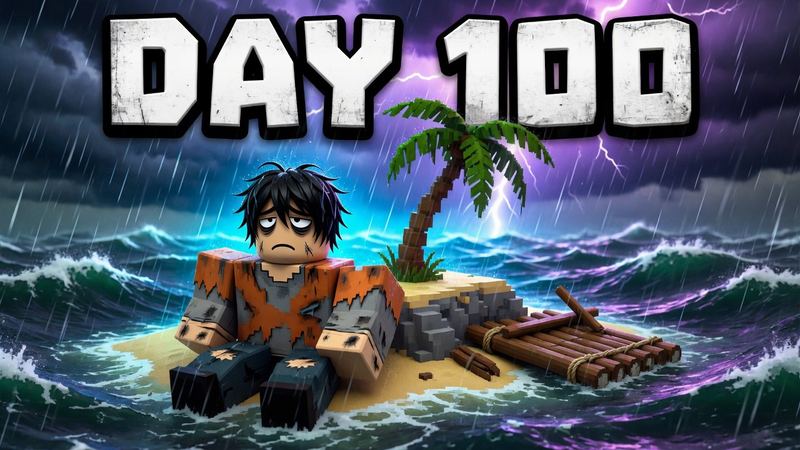
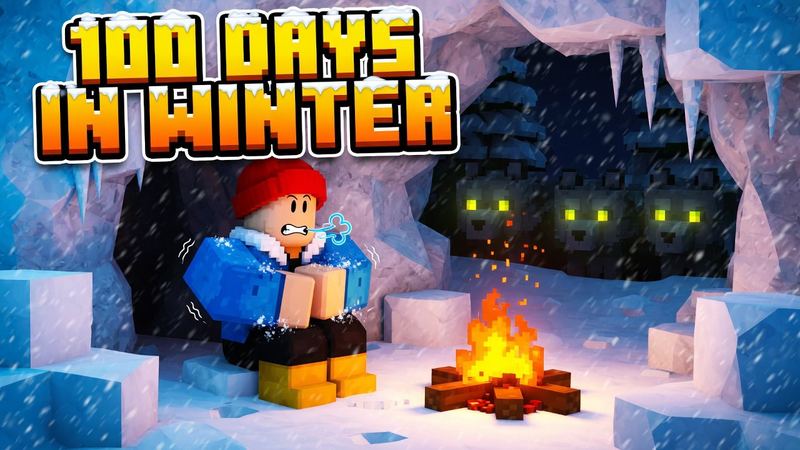
Day N survival
A giant “DAY 100” over your avatar in a rough spot. Perfect for challenge series.
Reaction face
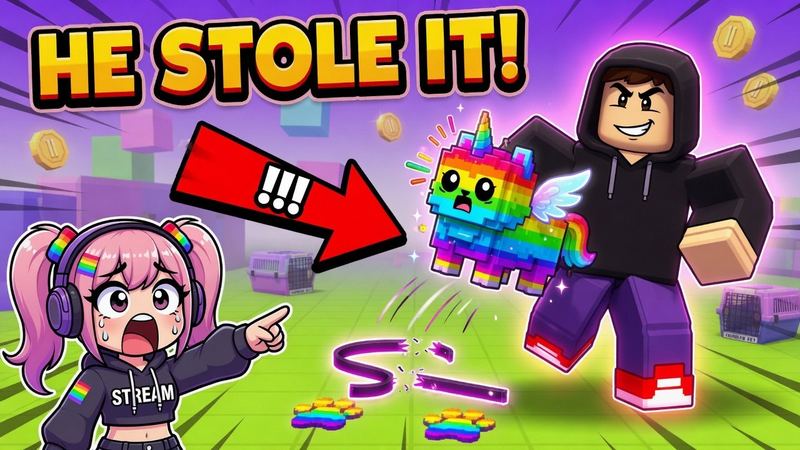
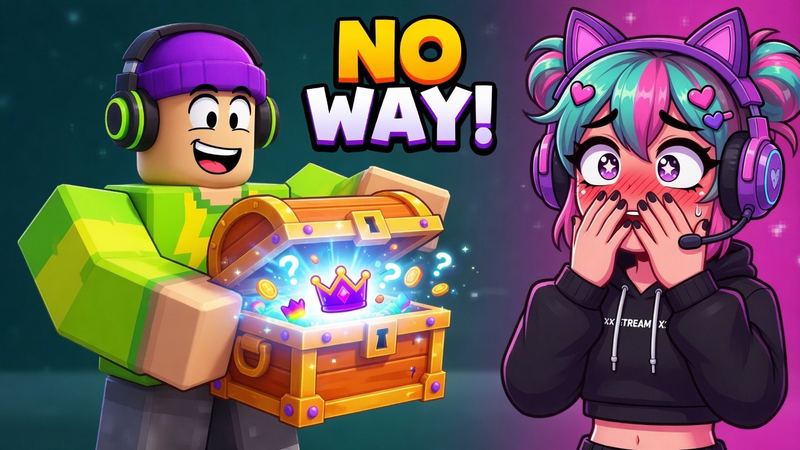
Your real face in a corner reacting to the scene, with a red arrow. Add your photo to use it.
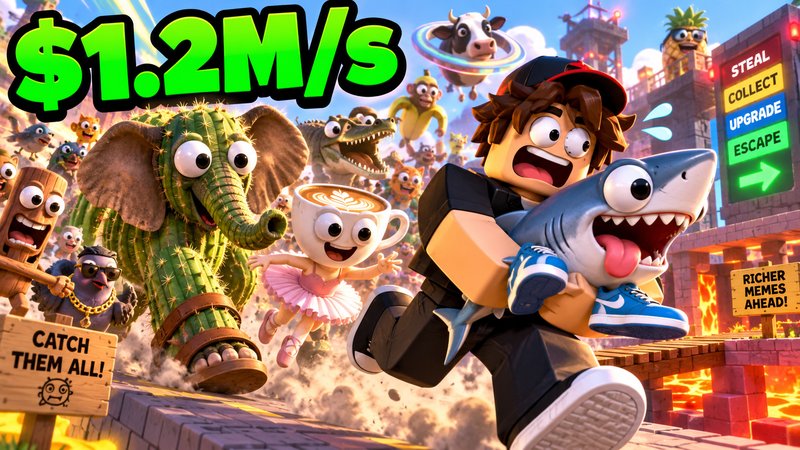
Big money number
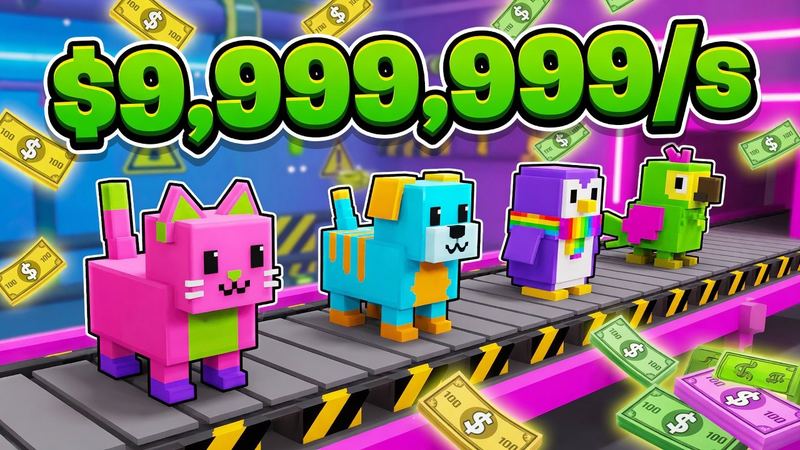
A huge green money-per-second number over rare pets or treasure, the signature of simulator videos.
Arrow + ?!
A red circle and arrow pointing at a secret door, button or glitch. Built for mystery videos.
Thumbnails for Roblox live streams
A YouTube live stream takes the same 16:9 custom thumbnail as a regular video.
- Set it before you go live. Upload the thumbnail when you schedule the stream so it shows in subscribers’ feeds and notifications.
- Name the game. Put the game or event in the title text, like “STEAL A BRAINROT LIVE”, so viewers know what they’re joining.
- Swap it for the replay. After the stream, change the thumbnail to the best moment. The replay keeps getting views.
YouTube thumbnail requirements
From YouTube Help. Roblox game covers work differently; see the Roblox thumbnail size guide or the Roblox game thumbnail maker.
- Aspect ratio
- 16:9
- Size
- At least 640 px wide; up to 3840 × 2160
- Formats
- JPG or PNG
- File size
- Up to 50 MB on desktop, 2 MB on mobile
- Account
- Custom thumbnails need a verified channel
Questions
What size is a YouTube thumbnail?
Any 16:9 image at least 640 px wide. YouTube recommends up to 3840×2160, as JPG or PNG. RoThumbnail downloads Roblox YouTube thumbnails at 1280×720, the long-standing standard size.
Can I put my own face in a Roblox thumbnail?
Yes. Pick the Reaction face style and add a photo of yourself alongside a game screenshot. You can add up to two images.
Does it work for Roblox live streams?
Yes. A YouTube live stream uses the same 16:9 custom thumbnail as a video, so make it here and set it on the stream before you go live.
Why can’t I upload a custom thumbnail on YouTube?
YouTube only lets verified accounts add custom thumbnails. Verify your channel in YouTube Studio first.
Is this Roblox YouTube thumbnail maker free?
Your first thumbnail is free with no account, and Google sign-in gives you 3 free every month.
Your next thumbnail is a minute away
First one’s free. No sign-up.
Make a thumbnail